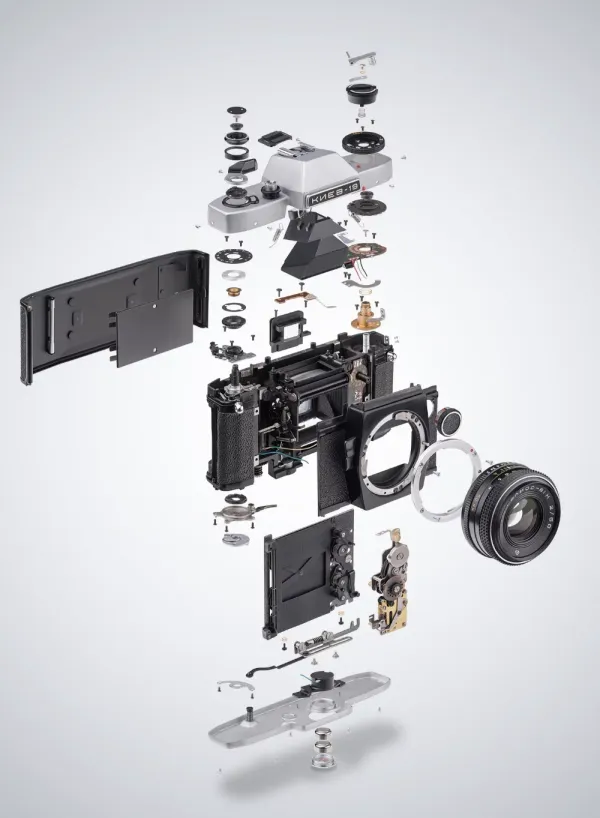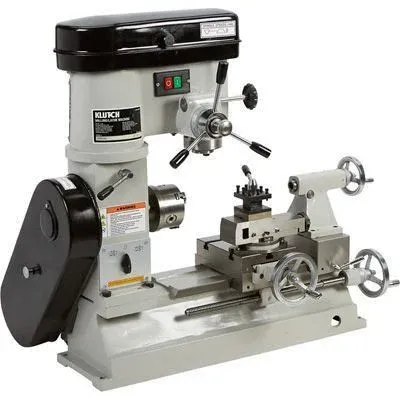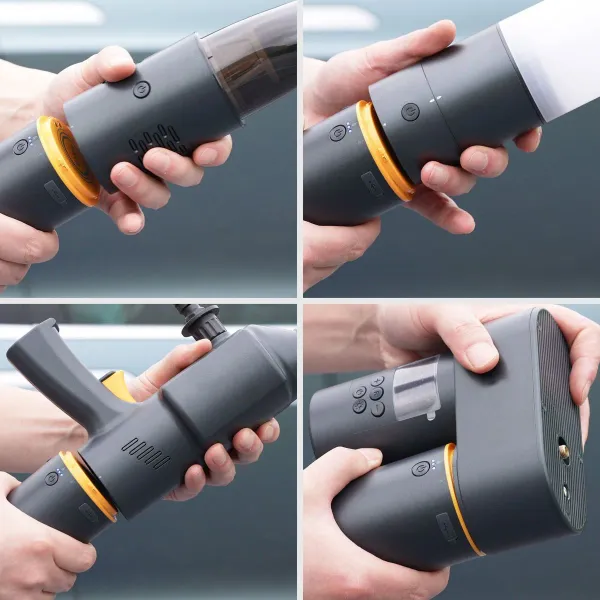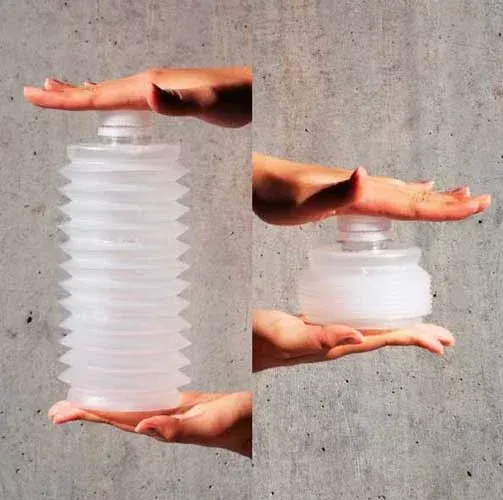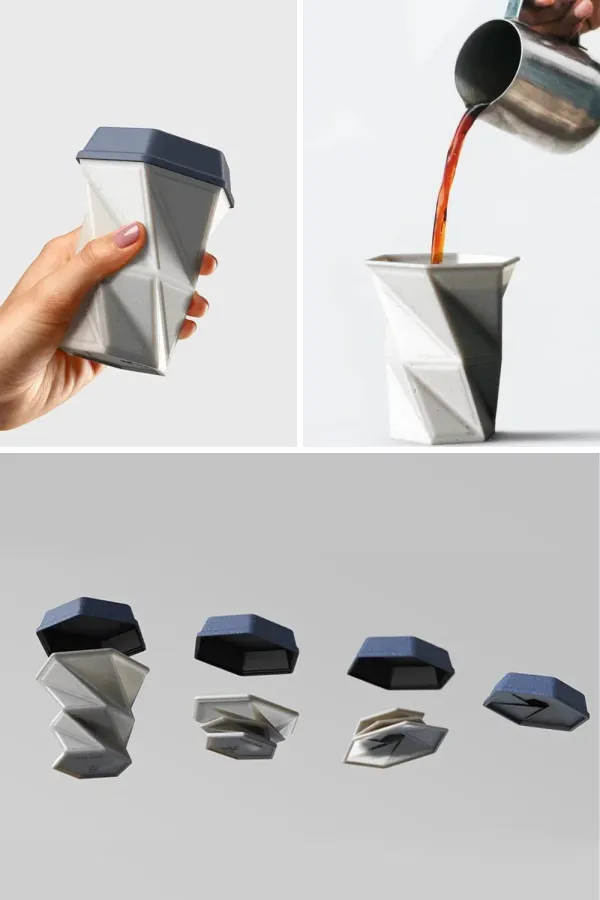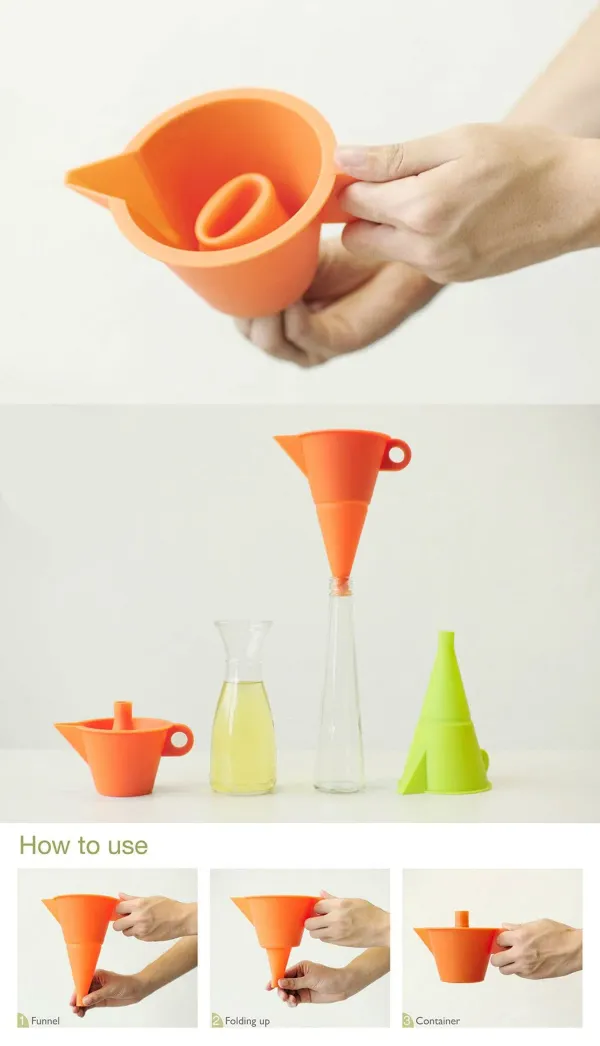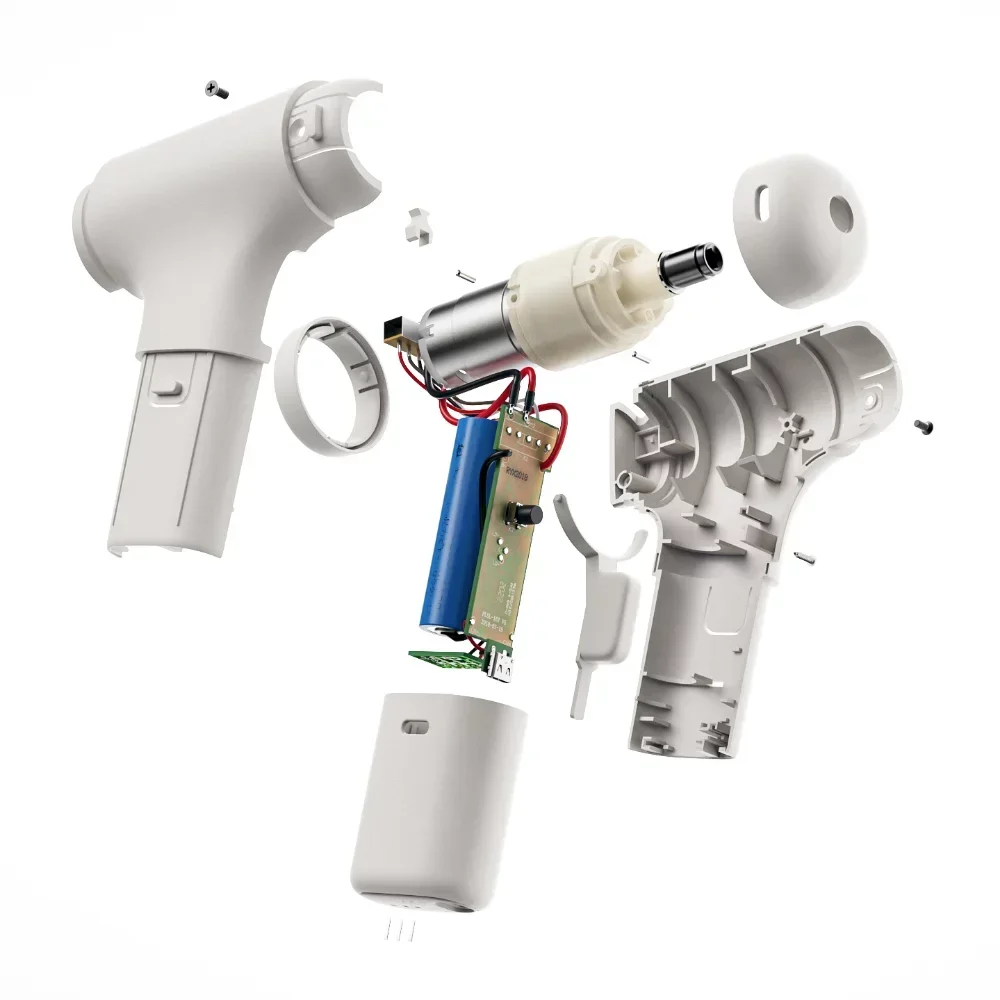

Convert product photos and sketches into clean, editable line drawings for utility patent and design-rights submissions.
PhotoCAD does the drafting — confidentially, in PhotoCAD Stealth — and you add reference numerals, leader lines and figure labels in PhotoCAD's editor, then download the DXF, DWG, SVG or PDF.
Turn prototypes into technical drawings. Mark the features that support your claims with reference numerals and leader lines, right in PhotoCAD.
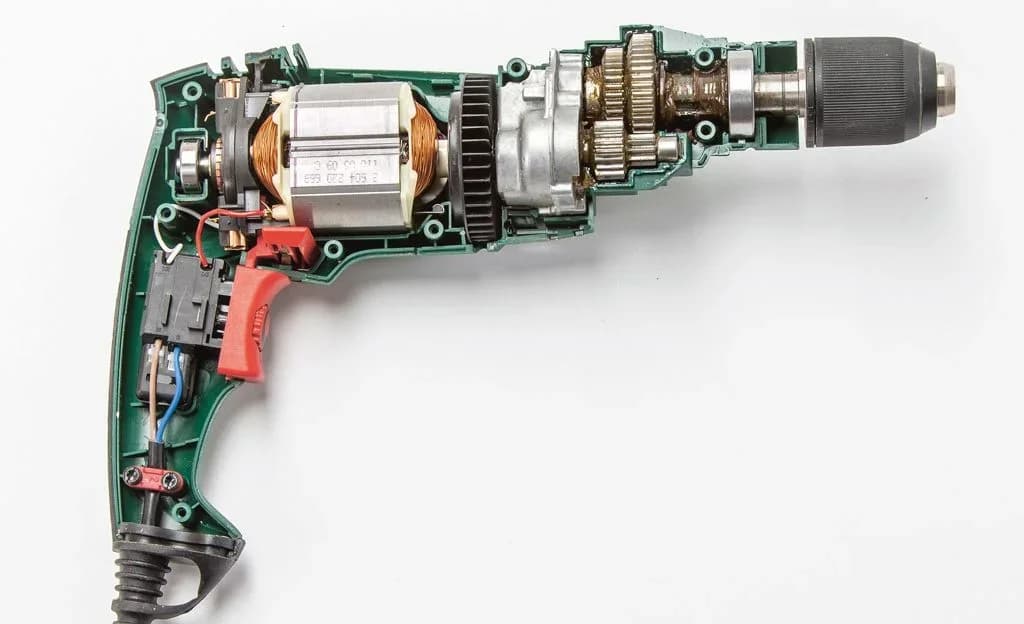

Design-rights filings work the same way. Photograph products, prototypes and patterns — PhotoCAD turns them into editable technical drawings. No clean background needed.

Don't take our word for it — review how Stealth protects your work before you spend a dollar.
Your counsel told you: only ever show the invention in confidence. Patent conversions run in PhotoCAD Stealth, our confidential processing tier — nothing trains on your images, they are destroyed on the schedule you set, and processing is machine-only, with no human in the loop.
Covers a full filing, multiple iterations included. Credits never expire.
For ongoing filing work — multiple iterations included. Need more? Contact us.
120 conversions every month
Want proof it works on your subject? Try 3 conversions free — then buy in full confidence.
Many drawing services outsource production overseas — and almost none say where your files are stored, who opens them, or when they are deleted. Our answer is checkable: machines process your images under contractual no-training terms, no one views them in normal operation, and they are destroyed on a schedule you control.
| Patent drawing services |  PhotoCAD PhotoCAD | |
|---|---|---|
| Cost | $150–$500+ per filing | From $59 per filing |
| Turnaround | 2–5 business days | ~1 minute per drawing |
| You send | CAD files or briefing calls | A photo |
| Confidentiality | An NDA signature | NDA + no-training terms + scheduled destruction |
| Output | PDF only | Editable DXF, DWG, SVG & PDF |
| Revisions | Revision cycles by email | Regenerate instantly |
| Reference numerals | By email revision | You place them yourself, in minutes |
Read how your data is handled confidentially at our Trust Center
Photograph your invention from the angles your application requires. A plain backdrop helps; otherwise PhotoCAD's Remove Background mode isolates your subject from any setting.
PhotoCAD drafts clean orthographic line drawings — solid black lines, no shading, no fills — inside PhotoCAD Stealth, our confidential tier: no AI training, automatic deletion on your schedule, and nobody sees your invention.
Add reference numerals, leader lines and figure labels, set the line weight, and lay the figures out on a sheet — all in PhotoCAD. Download the DXF, DWG, SVG or PDF and submit.
Browse and download free sample drawings — every one generated by PhotoCAD.
Patent and design-rights drawings demand a specific aesthetic: solid black continuous lines on white, no shading, no fills, orthographic views from precise angles, and lettering that meets each office's standards. Drafting these by hand takes hours per view, and the result still depends on the draftsman's accuracy with line work and consistent stroke.
PhotoCAD interprets your product photograph and generates the precise orthographic line work patent and design-rights applications require. No studio setup needed — photograph your prototype in working conditions and turn on PhotoCAD's Remove Background mode to isolate your subject from any setting. Output meets the format expectations for USPTO, EPO, UKIPO, and WIPO submissions: solid black vector geometry, no shading, no fills, uniform stroke — with line weight set in PhotoCAD before you download.
PhotoCAD handles the drafting and the finishing. In the editor, add reference numerals with leader lines and figure labels, set the line weight your office prefers, delete or split lines, and put the figure on a sheet with a border. Filing-ready sheet templates — USPTO, EPO and WIPO formats, margins and line weights — come with the Patent pack and plan. Download the DXF, DWG, SVG or PDF and file — or open the file in Illustrator, AutoCAD or CorelDRAW if your firm's template lives there.
Best for
Patent attorneys, in-house IP teams, product designers, and individual inventors filing utility patents, design rights, and registered designs across USPTO, EPO, UKIPO, and WIPO. Annotate in PhotoCAD, or take the DXF, DWG, SVG or PDF into Illustrator, AutoCAD, CorelDRAW or Word.
Upload any photo and get a clean vector file in about a minute. Your first 3 conversions are free.
Convert a Photo