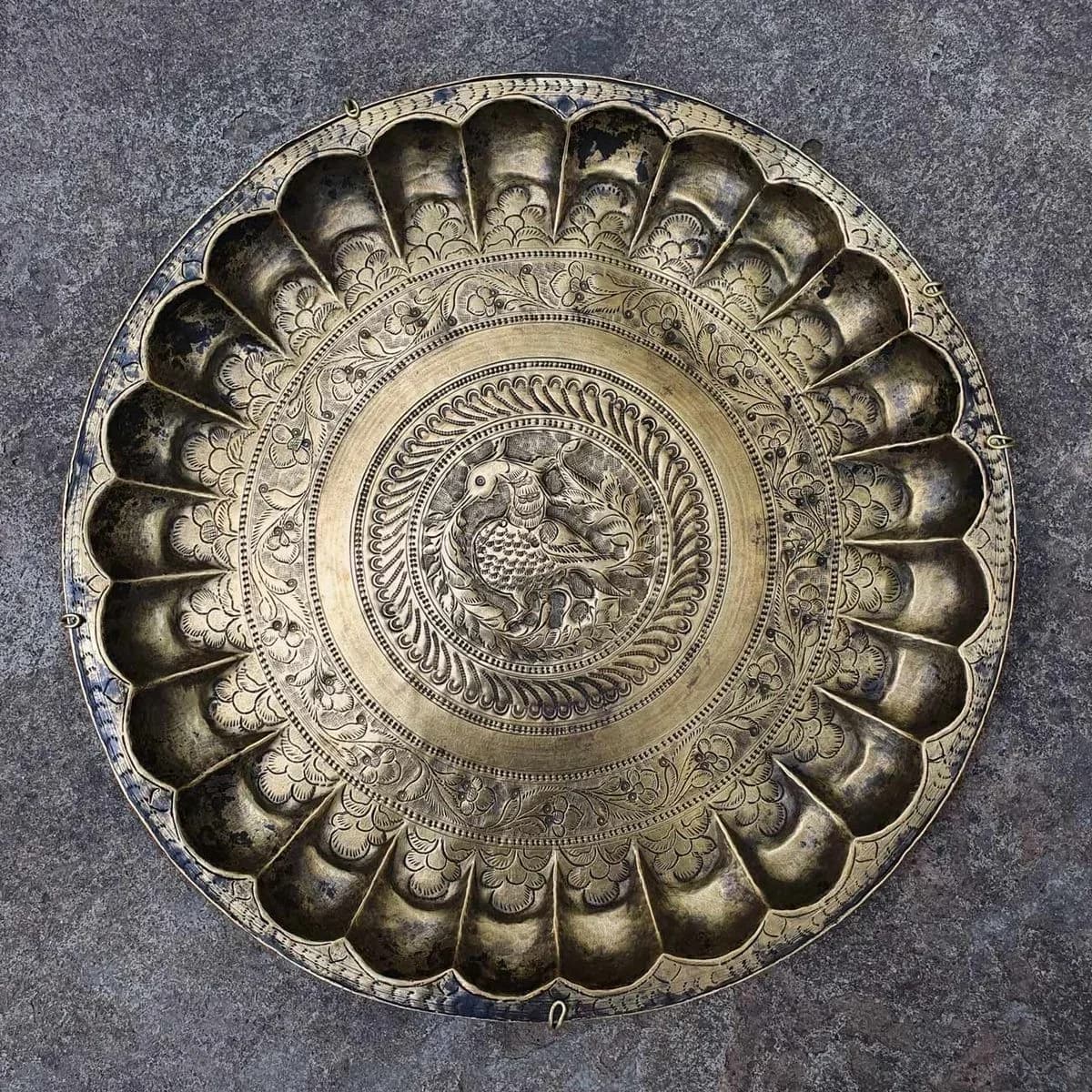
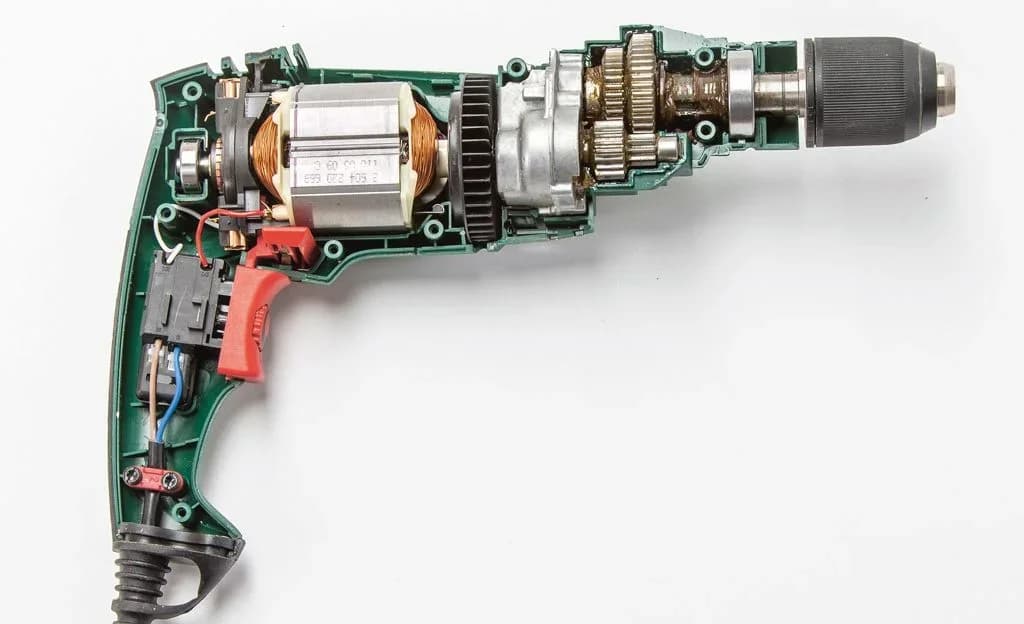
A photo of a component, a scanned template, a customer's artwork, redrawn as clean vector paths at real size. Phone photos work. Ready for the laser, the plasma table, the router, or CAD.
✦Drop a JPG here
JPG, PNG, WebP, HEIC, AVIF, TIFF, or PDF. Any size.
Open the converter3 free conversions. No card required.
Real conversions from PhotoCAD. Drag the slider to compare the photo with the vector.
Download the vector and go. Or set the real size, add dimensions, and lay it out on a titled sheet, all in PhotoCAD's Editor.
Click two points and enter the distance between them. The whole drawing scales to match.
Place the photo in Fusion or Inkscape and draw over it. Exact where you were careful, and nothing you did not draw.
Built for graphics, not photographs: a trace of a photo follows every shadow and grain line, and comes back as a cloud of fragments.
A JPG is nearly always a photograph or a scan: the component on the bench, the template a customer traced on cardboard, the artwork they photographed with a phone and emailed. It is the way work arrives at a fabrication shop, and it is the one input the free converters handle worst, because a photo has shadows, texture, a background, and the JPEG's own softness around every edge. A trace follows all of it.
PhotoCAD reads the photo as a picture of a thing. It separates the object from the bench, ignores the shadow and the grain, and draws the shape again: a straight edge as one line, a curve as a smooth curve, a hole as a closed circle. A busy background can be removed with a toggle, and a sheet photographed at an angle is squared up before it is converted.
Then the component becomes a real size. Click two points you know the distance between, type it, and the whole file scales to match, in millimeters or inches. The DXF imports at that size into LightBurn, SheetCAM, VCarve, Fusion, or AutoCAD, with DWG, SVG, and PDF from the same conversion.
Lighting, shadow, wood grain, and the JPEG's own fuzz are left behind. What comes back is the shape you photographed.
A gasket, a bracket, a blanking plate laid on the bench: photograph it, set one dimension, and cut a replacement.
An animal, a monogram, a gate or screen pattern from a photo or a print, as the closed paths a plasma table or laser needs.
Photograph the component, drop the JPG in, and see it redrawn as clean vector paths.
Your first 3 conversions are free — no card required.
A flatbed scan is ideal; a phone photo works. Shoot square-on in even light for the most accurate result. If the angle is off, a photographed drawing is squared up before conversion.
PhotoCAD reads the object, not the shadows, the texture, or the bench behind it, and draws it again as clean paths: straight edges, smooth curves, closed shapes. “Remove background” is a toggle for a busy photo.
Set the real size from one dimension you know, then download. DXF for the machine, plus DWG, SVG, and PDF from the same conversion.
Add dimensions, text, and arrows, point to point or locked horizontal and vertical.
Choose a sheet from Letter to ARCH E or A4 to A0, set the scale, and fill in the title block.
The drawing at real size in model space, with the sheet as a layout. DWG, SVG, and PDF included.
Someone redraws it for you. Fine for one file; slow and repetitive for a shop that gets artwork every week.
 PhotoCAD
The object as closed shapes and smooth curves at real size, with DWG, SVG, and PDF alongside.
Closed outlines a cutter can fill and offset, and smooth curves where the component curves, not a chain of short segments.
Click two points, type the distance, and the whole file scales to match. A component photographed on the bench arrives at its true size.
AutoCAD R2000, which every CAM package we have tested imports; R12 for older software, switched on once in your account settings. DWG, SVG, and PDF come with it.
The JPG a customer emailed, or the sketch they photographed, turned into a file your machine accepts, without a designer in the loop.
A cardboard template, a paper pattern, a stencil: scan or photograph it and get the outline as vectors at its true size.