Any photograph, image, or screenshot becomes a starting point for a CAD project. Upload anything visual — get back something workable.
✦Drop an image here
JPG, PNG, WebP, HEIC, AVIF, TIFF, or PDF. Any size.
Open the converter3 free conversions. No card required.
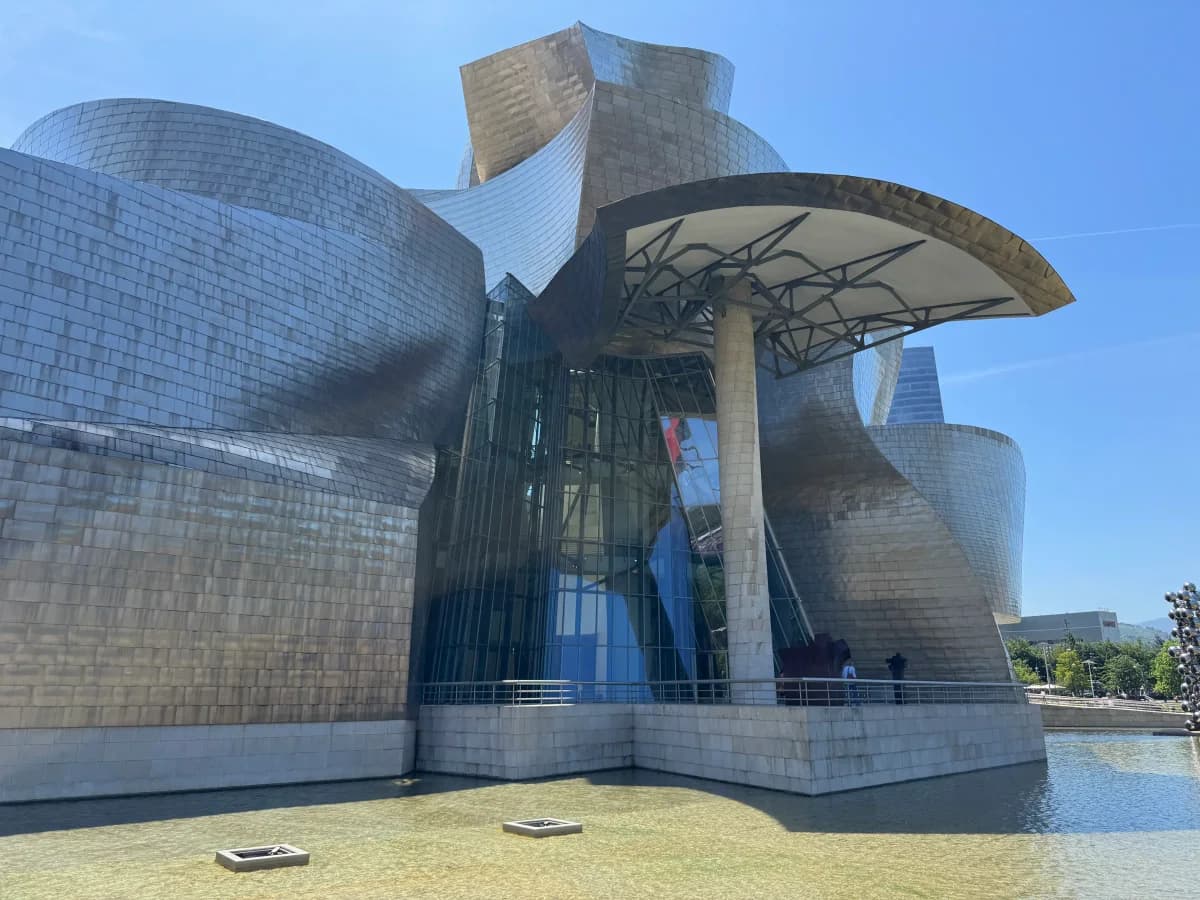
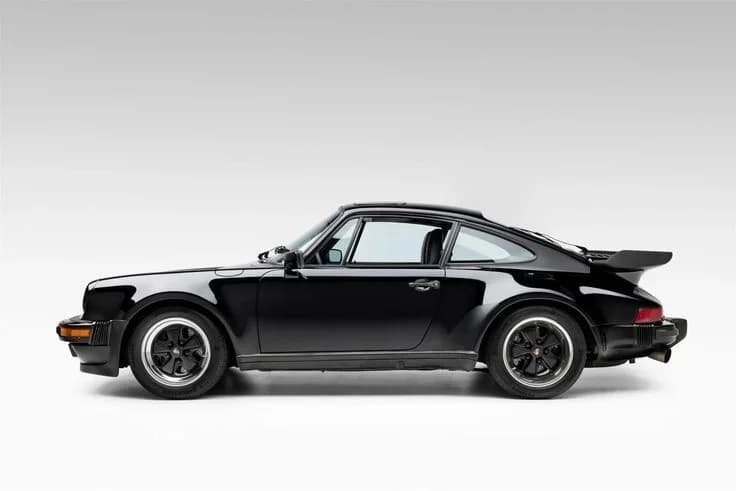
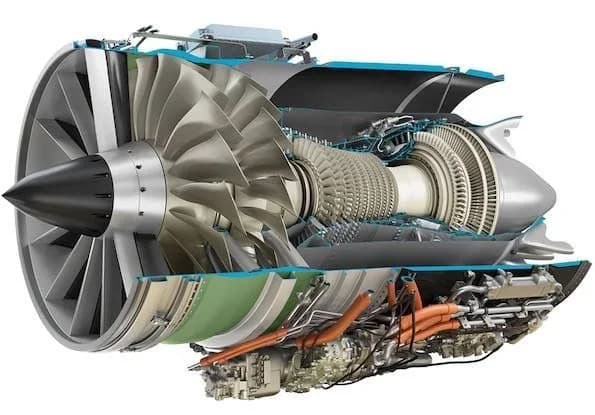
Real conversions from PhotoCAD. Drag the slider to compare the original photo and the vector output.
Photos, screenshots, reference images, illustrations, scans — anything visual becomes the seed for a CAD drawing.
PhotoCAD extracts the meaningful outlines and rebuilds them as clean, editable vector geometry.
Download as DXF, DWG, SVG, or PDF and load straight into AutoCAD, Fusion 360, Rhino, or any vector editor.
Photos of physical objects, screenshots from reference material, scanned drawings, hand sketches. If you can see it, you can convert it.
Real geometry — polylines, splines, and curves — not a raster trace. Modify, dimension, extrude, parameterise in any CAD program.
Skip the manual re-drawing step that wastes hours of design time. Get to the real CAD work faster.
DXF for CAD/CAM, SVG for vector editors, PDF for sharing and printing. All generated from one conversion.
CAD programs work with vector geometry. Photos and screenshots are pixels. PhotoCAD converts between the two — upload any image and get back clean vector outlines that open in AutoCAD, Fusion 360, Rhino, SolidWorks, and every other CAD program.
The output is editable geometry: polylines, curves, and splines you can dimension, extrude, or parameterise. It's a starting point for a CAD project, not a finished model — you'll measure, refine, and build out the rest in your CAD program.
The conversion usually takes about a minute. You get DXF, DWG, SVG, and PDF outputs from a single conversion.
Photograph an existing part and convert it to a vector outline as the starting point for a 3D model or replacement design.
Use a found image as the basis for a new design without retracing it by hand. Convert, then refine in CAD.
Drop in a moodboard image or product photo and convert it to vector outlines for sketch overlays or technical illustration work.
Convert site photos, building elevations, or aerial views into editable vector references for an architectural CAD model.
Upload any image and get CAD-ready vector files in about a minute.
Your first 3 conversions are free — no card required.