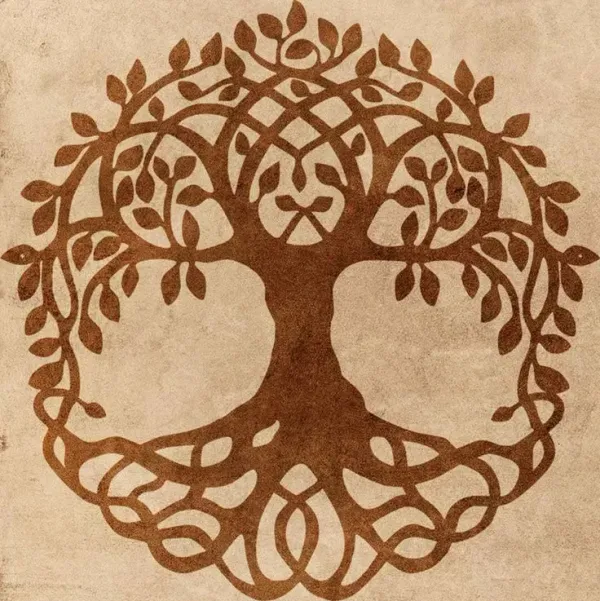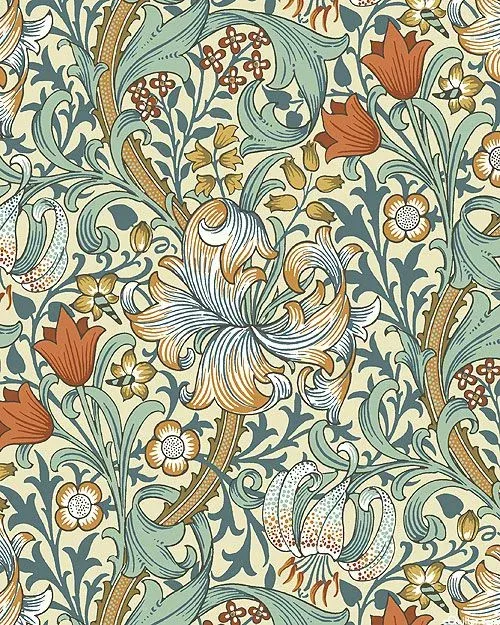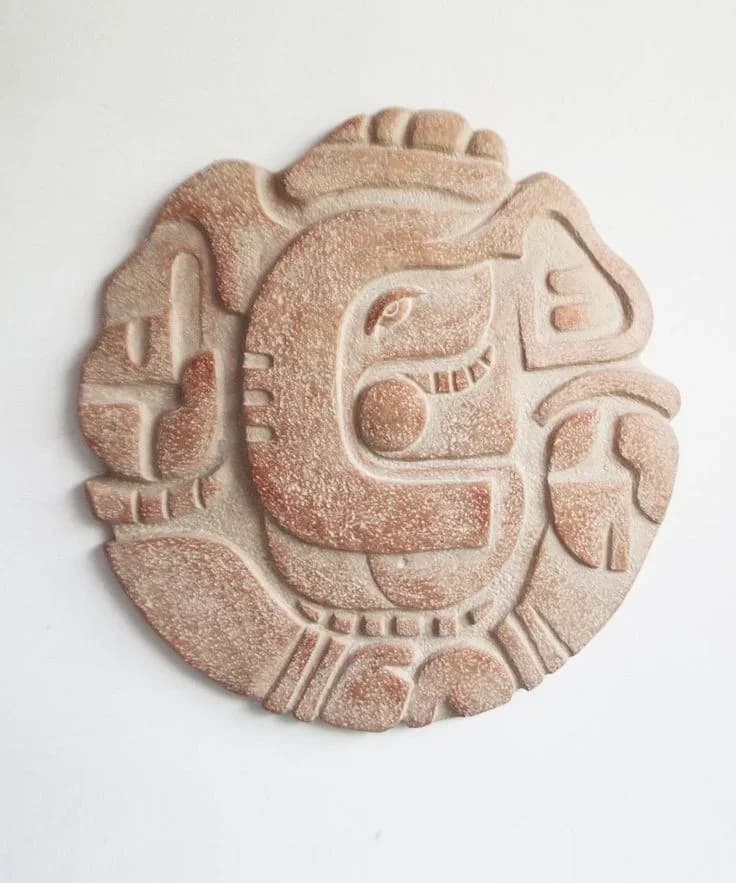

AI illustration for archaeological finds and heritage objects — convert photos into clean, publication-ready line drawings for site reports, conservation records, catalogs and journal figures.
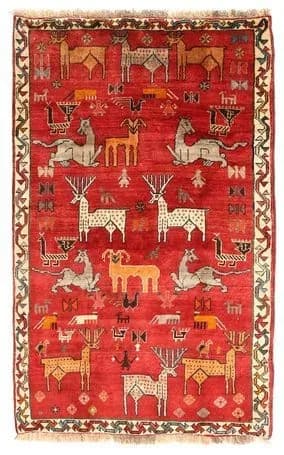

Document textile heritage — weave patterns and motifs preserved as editable line work.
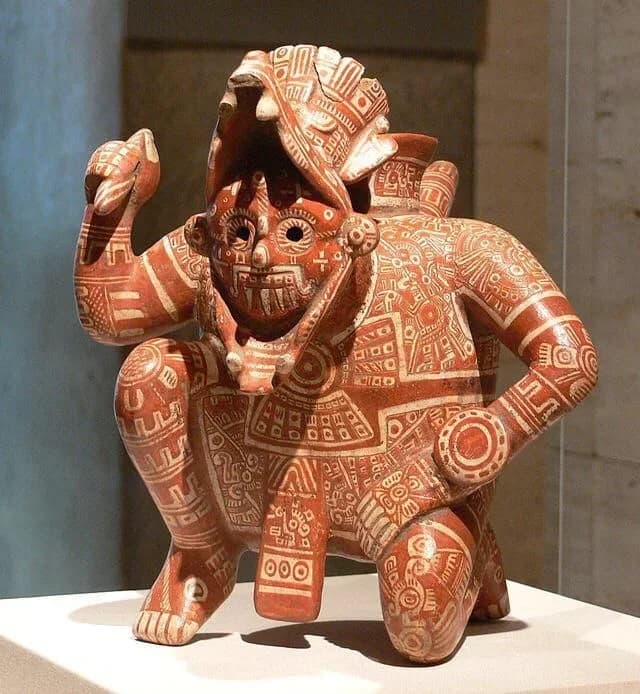

Document sculptural artifacts — every modeled detail preserved as clean line work.
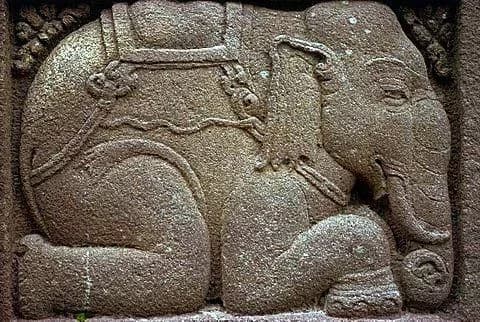

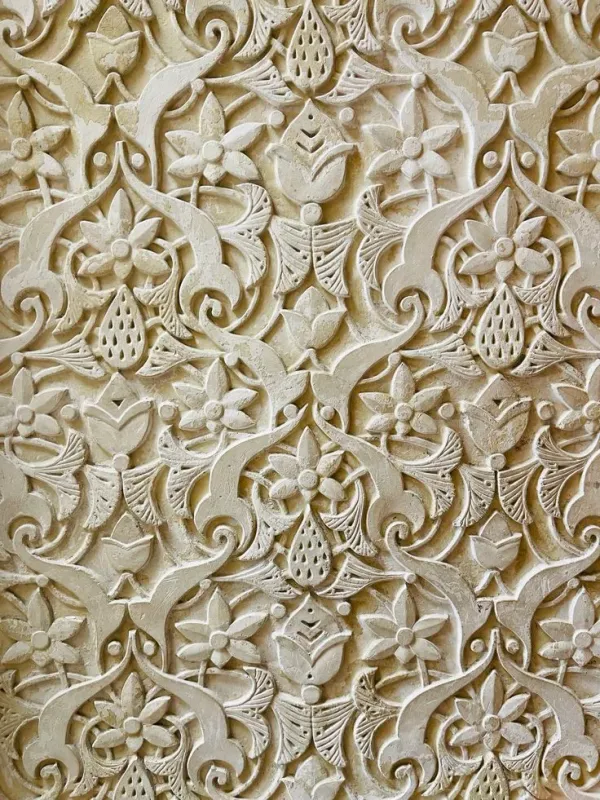
Document carved relief from a single photograph.
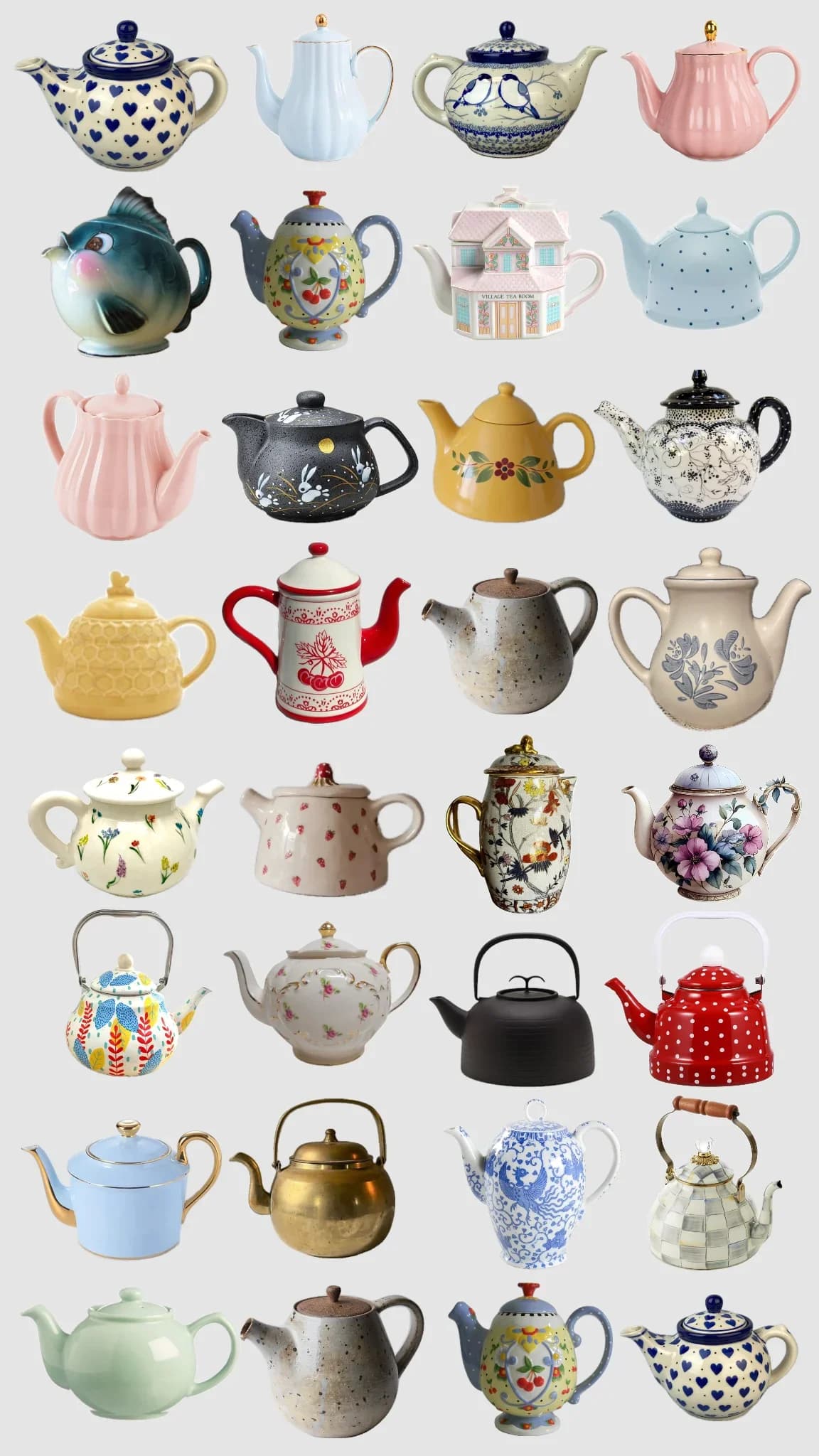

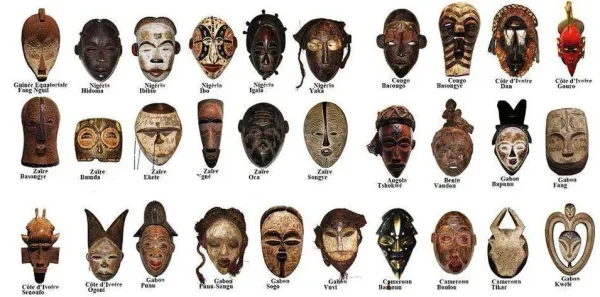
Catalog collections in a single pass — every form captured.
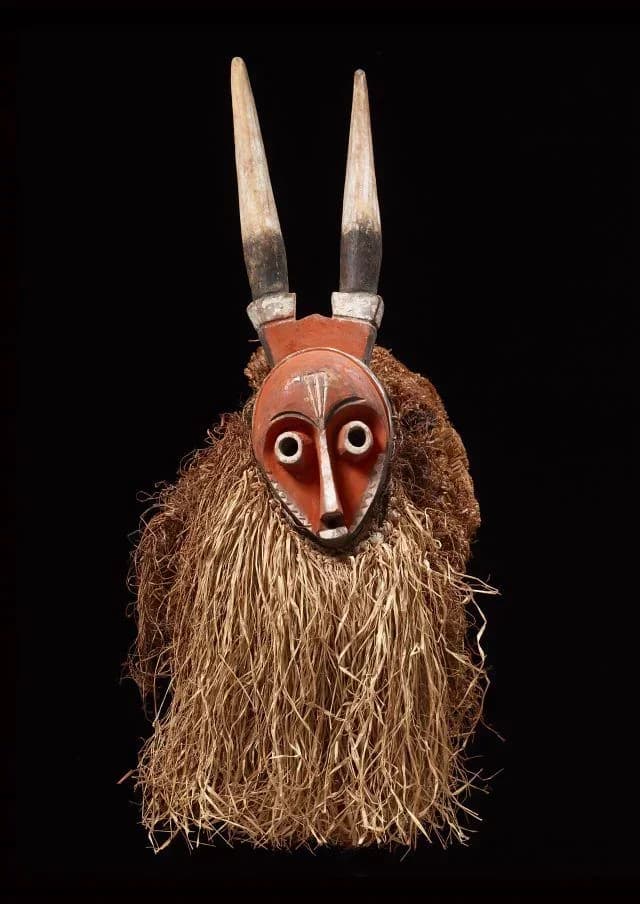

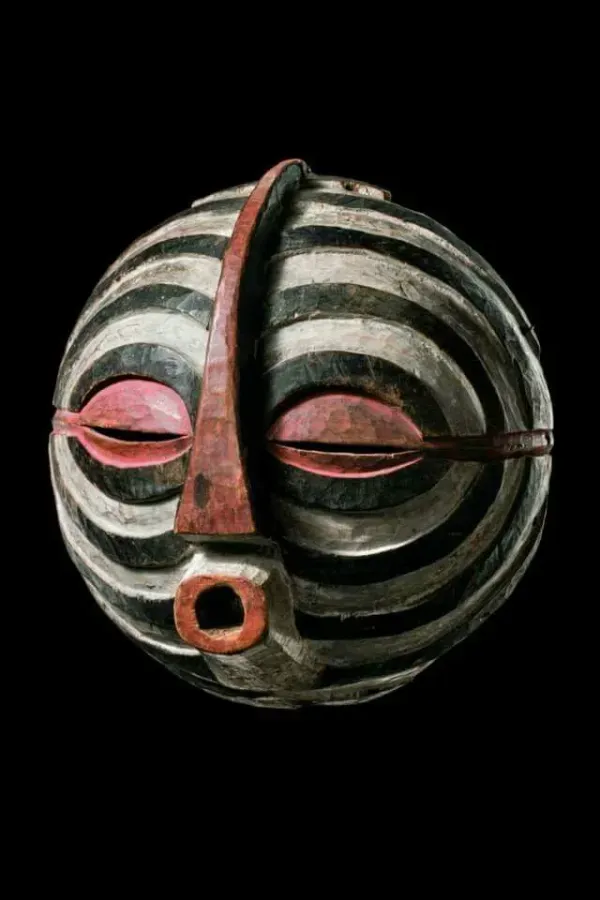
Record ethnographic artifacts — every carved feature preserved as clean line work.
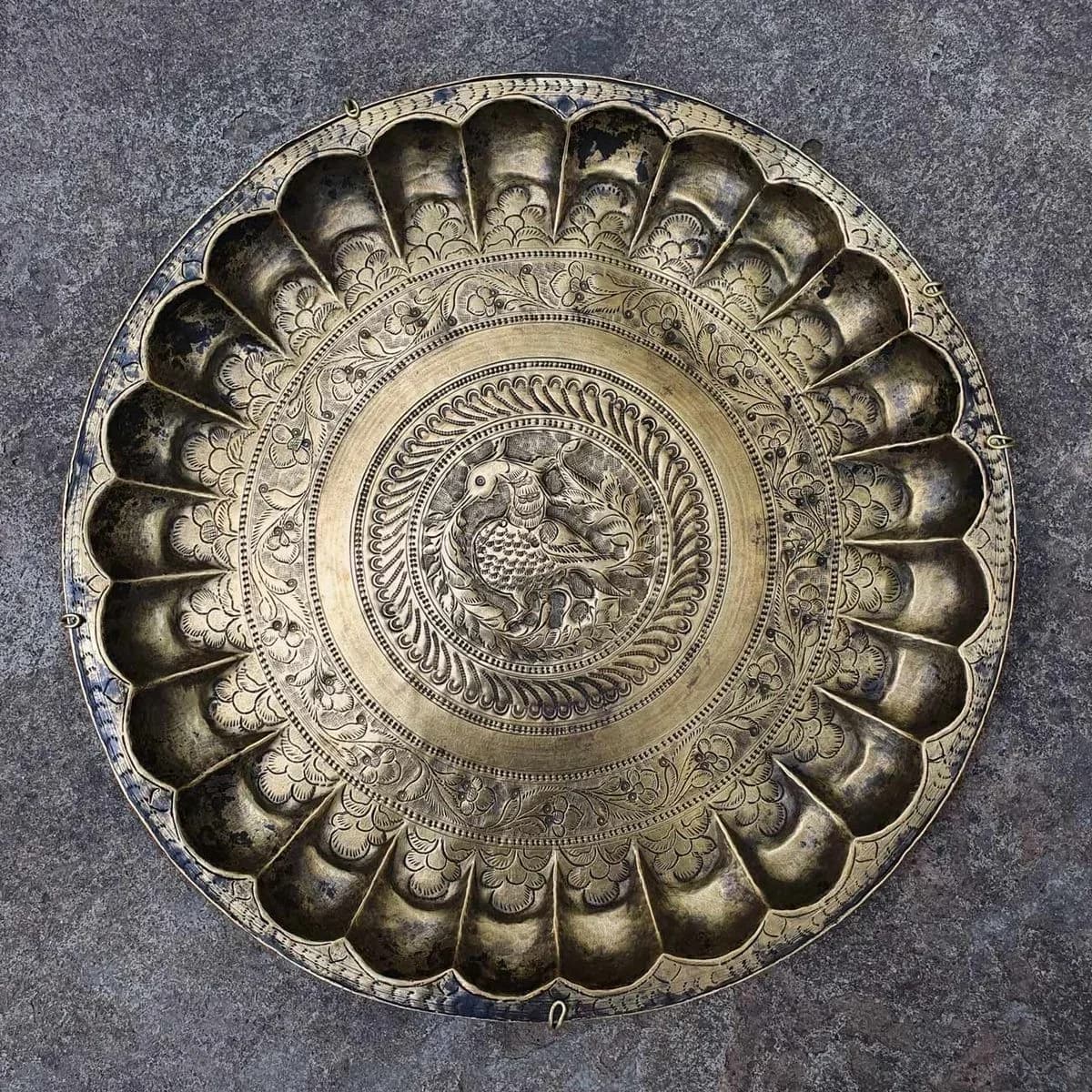

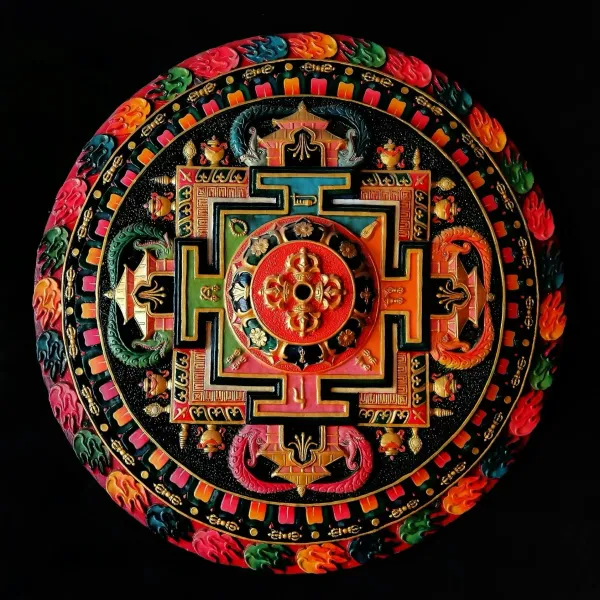
Catalog embossed metalwork — every detail captured.
Recording trenches, sections, or standing walls? See archaeological drawing from photos and scans.
Shoot orthographically with a scale bar in frame. PhotoCAD's Remove Background mode isolates the artifact from any setting.
PhotoCAD interprets the artifact semantically — mapping the underlying form, not tracing pixels — and generates clean single-weight linework on white. No shading, no fills.
Set the real size from the scale bar in PhotoCAD, then open the SVG in Illustrator or InDesign, add figure number and caption, and place into your report or catalog.
Browse and download free vector files — every one generated by PhotoCAD.
Archaeological and heritage object illustration is a publication standard with strict conventions — clean single-weight linework on white, no shading, no fills. Cultural Resource Management (CRM) units producing site reports, museums building decorative arts catalogs, conservators recording object condition, and journals printing figured finds all need it. An experienced illustrator produces a few drawings a day; a medium excavation or large collection needs hundreds.
PhotoCAD reads photographs with semantic understanding — carefully mapping the underlying form and details of an artifact rather than tracing pixel contrast. The result is clean lines from messy source photographs. The AI is lighting- and resolution-tolerant, and isolates the subject from background or surface noise. Commodity raster-to-vector tools fail at exactly the conditions archaeological and heritage photography produces.
Scale is preserved by your photography, not the AI. Shoot orthographically with a scale bar in frame. Open the vectorized SVG in Adobe Illustrator, InDesign or AutoCAD, match dimensions to the bar, add the figure number and caption, then place into your site report, catalog or condition record.
Best for
Finds specialists, Cultural Resource Management (CRM) units producing gray literature, post-excavation supervisors, museum curators digitizing collections, conservators producing condition records, decorative arts scholars, archaeological illustrators, antiquarians, auction-house catalogers, and academic publishers preparing journal figures. Output integrates with Adobe Illustrator, InDesign, CorelDRAW, Inkscape, AutoCAD and ArcGIS Pro.
Upload any photo and get a clean vector file in about a minute. Your first 3 conversions are free.
Convert a Photo