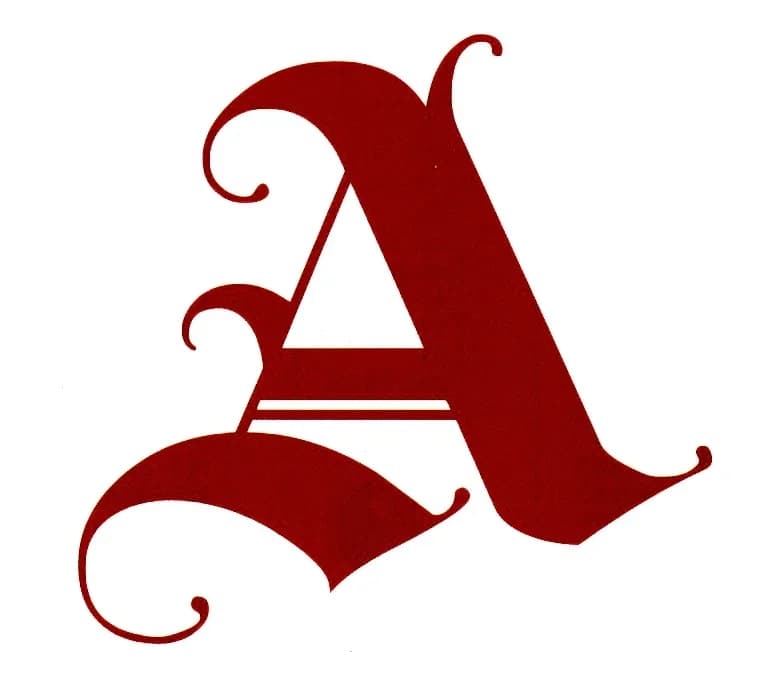
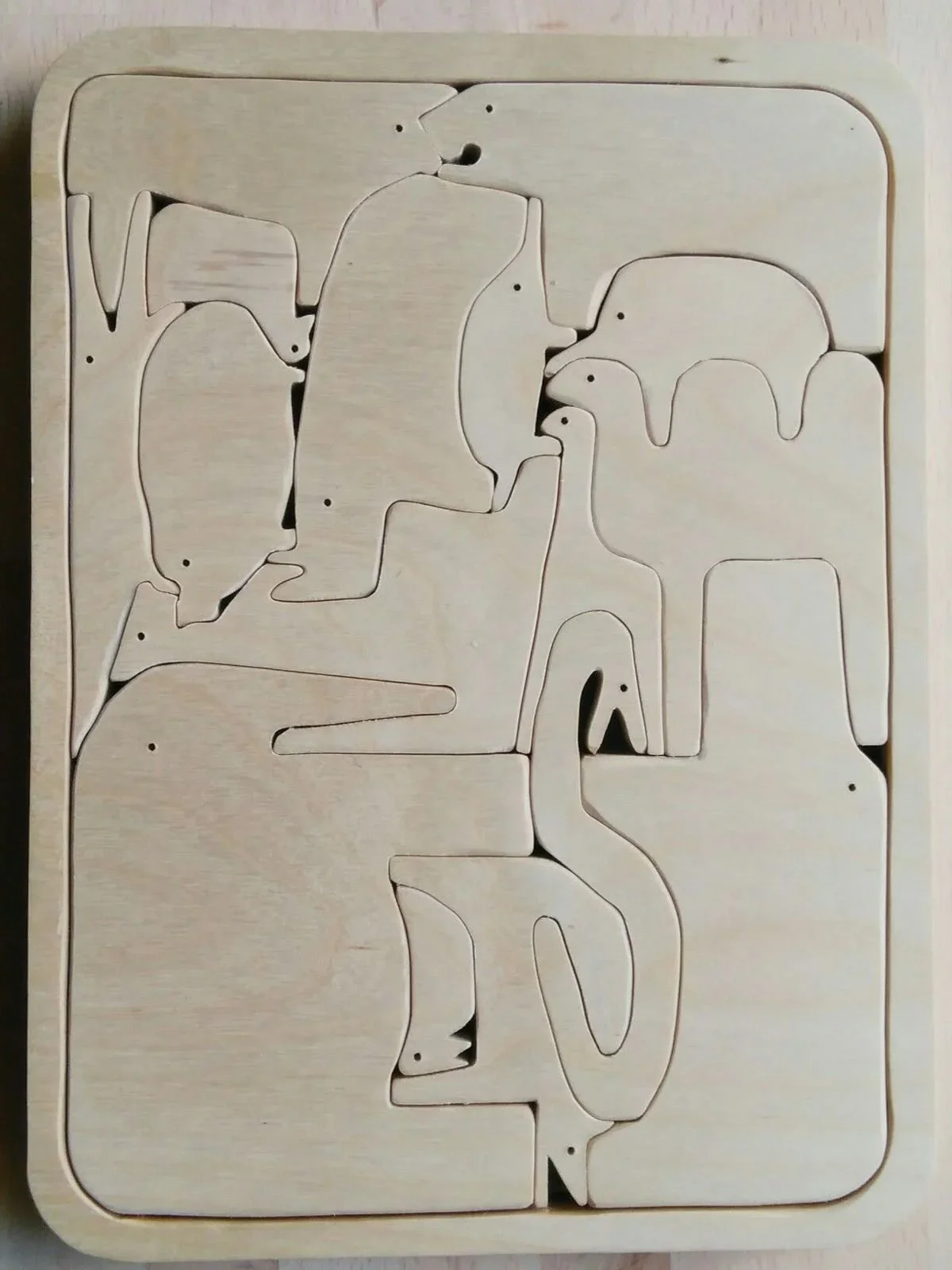
Logos, graphics, screenshots, and exported drawings, redrawn as clean vector paths: smooth curves, closed shapes, at real size. Ready for the laser, the router, the plasma table, or CAD.
✦Drop a PNG here
JPG, PNG, WebP, HEIC, AVIF, TIFF, or PDF. Any size.
Open the converter3 free conversions. No card required.
Real conversions from PhotoCAD. Drag the slider to compare the PNG with the vector.
Download the vector and go. Or set the real size, add dimensions, and lay it out on a titled sheet, all in PhotoCAD's Editor.
Click two points and enter the distance between them. The whole drawing scales to match.
Place the PNG in Inkscape or Fusion and draw over it. Exact where you were careful, and nothing you did not draw.
Most wrap the picture in a DXF, or run an automatic trace: jagged corners, hundreds of nodes, open paths the cutter rejects.
A PNG is a grid of pixels. Your machine does not cut pixels; it follows paths, and the software that drives it, LightBurn, SheetCAM, VCarve, Fusion, will not accept a picture. So the graphic your customer sent, the logo from the website, the screenshot of a drawing, all have to become vectors before anything can be cut.
The usual answer is an automatic trace. It follows the boundary of every dark pixel, so a straight edge comes back as a staircase of tiny segments, a circle as a polygon with a hundred sides, and a shape that should be closed with a gap in it somewhere. The forums are full of the clean-up that follows: deleting nodes, joining paths, redrawing the corners.
PhotoCAD does not trace the pixels. It reads what the image shows and draws it again: a straight line where the picture has a straight edge, a smooth curve where it curves, a closed shape where there is a shape. Then you set the real size from one dimension you know and download a DXF that imports at that size, ready to cut.
A cutter needs a closed path to know what is inside. You get closed outlines and smooth curves, not a chain of two hundred short segments.
A logo or ornament as a cut file for the laser: closed outlines the software can fill and offset, on a bed at the right size.
Lettering and shapes for the router, from a PNG a customer emailed. Set the sign's width once and every letter is in proportion.
Drop in a PNG and see it redrawn as clean, closed vector paths.
Your first 3 conversions are free — no card required.
Drop it in. A logo, a graphic, a screenshot of a drawing, a shape exported from a design app, or the PNG a cutting service refused and asked for as a DXF. Transparent backgrounds are fine.
PhotoCAD reads what the image shows and draws it again as paths: one line where the picture has one edge, a smooth curve where it has a curve, a closed shape where there is a shape.
Set the real size from one known dimension, then download. DXF for the machine, plus DWG, SVG, and PDF from the same conversion.
Add dimensions, text, and arrows, point to point or locked horizontal and vertical.
Choose a sheet from Letter to ARCH E or A4 to A0, set the scale, and fill in the title block.
The drawing at real size in model space, with the sheet as a layout. DWG, SVG, and PDF included.
Someone redraws it for you. Fine for one file; slow and repetitive for a shop that gets artwork every week.
 PhotoCAD
Closed shapes and smooth curves at real size, with DWG, SVG, and PDF alongside.
Click two points, type the distance, and the whole file scales to match. A 120 mm bracket arrives as 120 mm, not the size of the picture.
Written as AutoCAD R2000, which every CAM package we have tested imports. Older software that wants R12 can have it: switch it on once in your account settings.
DXF for the machine, DWG for the CAD office, SVG for the cutter that prefers it, PDF to check on paper. One credit covers all four.
Silhouettes, monograms, and decorative panels from a graphic, as the closed paths a plasma table needs.
A symbol, a logo, or a screenshot of a drawing brought into AutoCAD, Fusion, or SolidWorks as real geometry rather than an image reference.