PhotoCAD
Convert
ArchitectureIndustrial DesignFashion DesignPatent DrawingsDigital FabricationHeritage & ArchaeologyIllustration
GalleryAPIPricing
Log in
PhotoCAD

Convert photos to CAD-ready vector files. DXF and SVG for manufacturing, CNC and architectural drawings.

Product

  • Gallery
  • Projects
  • Pricing
  • Convert
  • API
  • How it works

Solutions

  • Architecture
  • Industrial Design
  • Fashion Design
  • Patent Drawings
  • Digital Fabrication
  • Heritage & Archaeology
  • Illustration
  • Laser Cutting
  • Vinyl Cutting
  • CNC Routing
  • Plasma & Metal Art

Converters

  • Image to DXF
  • Sketch to CAD
  • Image to CAD
  • Signature to Vector
  • Logo to Vector
  • Raster to Vector
  • Trace Photo to Vector

Company

  • About
  • Contact
  • Privacy Policy
  • Terms of Service
  • License
  • Trust & Security

© 2026 PhotoCAD. All rights reserved.

/PhotoCAD for Vinyl Cutting

Convert Photos to SVG for Cricut & Silhouette

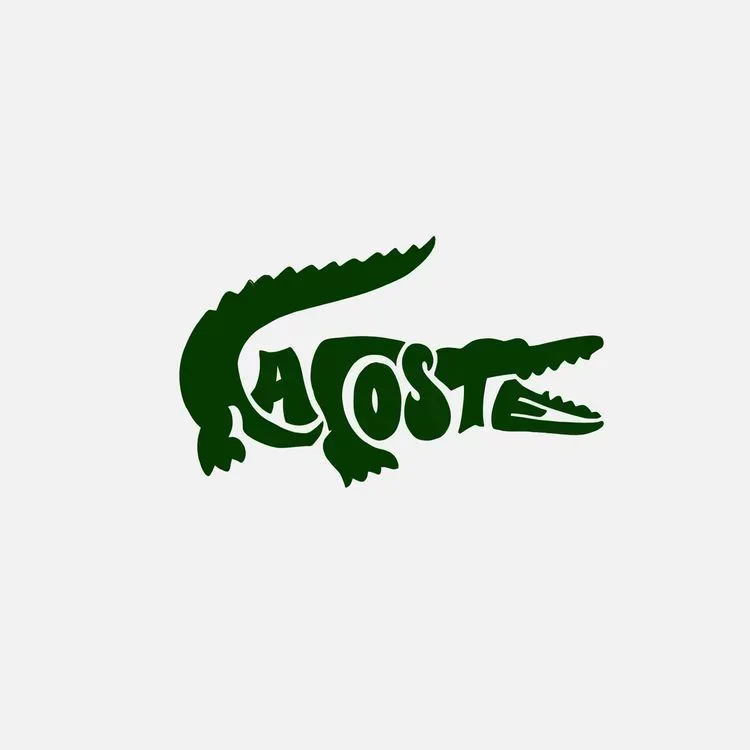
Original photo of Lacoste Crocodile Logo
Lacoste crocodile logo vector line drawing, open jaw with teeth, serrated dorsal ridge and integrated wordmark typography.

Convert photos, sketches, and graphics into clean SVG files for Cricut, Silhouette Cameo, and Roland plotters. Drops straight into Cricut Design Space and Silhouette Studio — no more time spent on manual tracing.

Start Drawing for Free
Original photo of Lacoste Crocodile Logo
Lacoste crocodile logo vector line drawing, open jaw with teeth, serrated dorsal ridge and integrated wordmark typography.
Start Drawing for Free

How it works

1

Upload

Upload any photo, sketch, or graphic you want to turn into a decal, sticker, or HTV design.

2

Convert

PhotoCAD generates a clean SVG ready to cut on a Cricut, Silhouette, or Roland plotter.

3

Cut

Import the SVG into Cricut Design Space or Silhouette Studio, size for your material, and cut.

See the results

Real conversions from PhotoCAD — original photo on the left, vector output on the right.
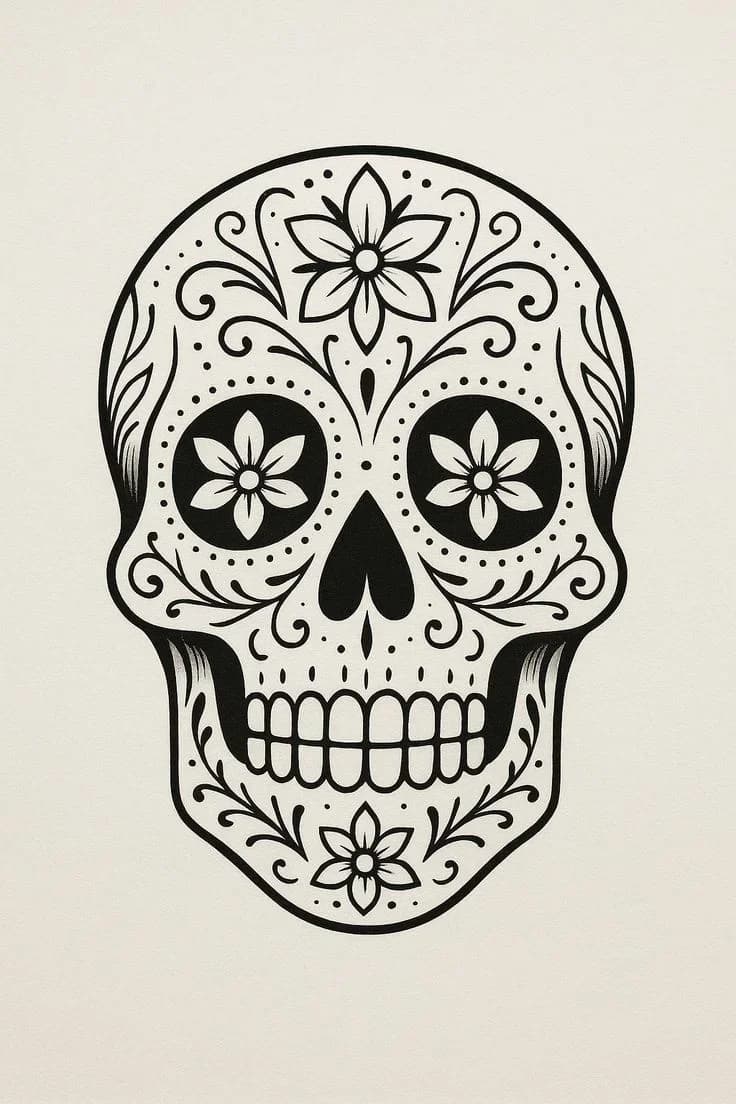
Original photo of Day of the Dead Sugar Skull
Day of the Dead sugar skull vector line drawing, floral eye sockets, forehead scrollwork, and exposed teeth grid.

Day of the Dead Sugar Skull

Original photo of Decorative Initial Letter A
Decorative initial letter A vector line drawing, blackletter style with calligraphic flourishes, spiral terminals and scrollwork serifs.

Decorative Initial Letter A

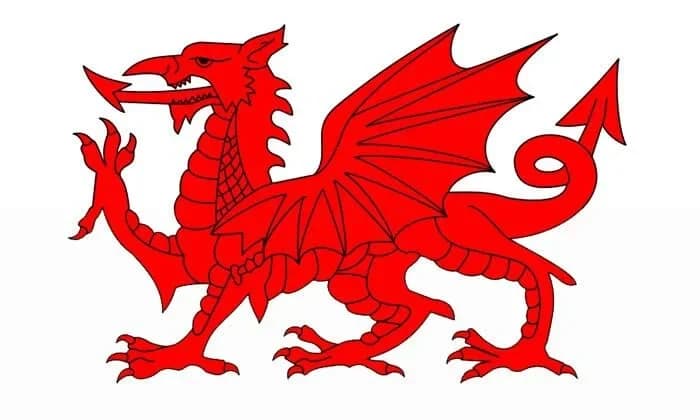
Original photo of Welsh Dragon Heraldic Symbol
Welsh Dragon vector line drawing, rearing stance with bat-like wings, scaled neck, serrated spines and curled barbed tail.

Welsh Dragon Heraldic Symbol

Works with your tools

Files import directly into Cricut Design Space, Silhouette Studio, Sure Cuts A Lot, or Roland CutStudio. Scale to your material sheet and cut as you would with any vector file — you've skipped the trace-and-cleanup step in craft software.

Software

  • Cricut Design Space
  • Silhouette Studio
  • Sure Cuts A Lot
  • Roland CutStudio
  • Adobe Illustrator
  • Inkscape

Machines

  • Cricut Maker / Explore

Crafting with vinyl, heat-transfer vinyl (HTV), or paper requires clean SVG files — closed paths, smooth curves, no broken lines. Tracing a photo by hand in Cricut Design Space or Silhouette Studio means clicking through every curve point in a tool designed for simple silhouettes, not detailed photographs. Easily 30–60 minutes per design before the first cut.

PhotoCAD interprets the shapes in your image and generates clean SVG files with smooth curves — not pixel-following traces that snag your blade. Whether you're turning a kid's drawing into a t-shirt decal, extracting a logo for car vinyl, or creating intricate papercraft from a photograph, output is ready to cut on a Cricut, Silhouette, or Roland.

Drop the SVG into Cricut Design Space, Silhouette Studio, or Sure Cuts A Lot. Size to your material sheet, set blade depth, and cut. Take on custom orders without the design bottleneck.

Best for

Crafters, Etsy shop owners, t-shirt decal makers, and print shops converting customer photos and sketches into cut-ready SVGs. Output works with Cricut Design Space, Silhouette Studio, Sure Cuts A Lot, and Roland CutStudio.

Ready to try it?

Upload any photo and get a clean vector file in under two minutes. Your first 3 conversions are free.

Convert a Photo

Frequently Asked Questions

  • Silhouette Cameo
  • Roland CAMM-1
  • Graphtec
  • Siser Juliet
  • Keep exploring

    Categories

    Vehicles & TransportLogos & GraphicsPeople & PortraitsWildlifePatterns & OrnamentalAnimals & Pets

    Projects

    Tattoo StencilsWall Art

    Converters

    Trace Photo to VectorImage to DXFSketch to CAD