PhotoCAD
Convert
ArchitectureIndustrial DesignFashion DesignPatent DrawingsDigital FabricationHeritage & ArchaeologyIllustration
GalleryAPIPricing
Log in
PhotoCAD

Convert photos to CAD-ready vector files. DXF and SVG for manufacturing, CNC and architectural drawings.

Product

  • Gallery
  • Projects
  • Pricing
  • Convert
  • API
  • How it works

Solutions

  • Architecture
  • Industrial Design
  • Fashion Design
  • Patent Drawings
  • Digital Fabrication
  • Heritage & Archaeology
  • Illustration
  • Laser Cutting
  • Vinyl Cutting
  • CNC Routing
  • Plasma & Metal Art

Converters

  • Image to DXF
  • Sketch to CAD
  • Image to CAD
  • Signature to Vector
  • Logo to Vector
  • Raster to Vector
  • Trace Photo to Vector

Company

  • About
  • Contact
  • Privacy Policy
  • Terms of Service
  • License
  • Trust & Security

© 2026 PhotoCAD. All rights reserved.

/Convert/Convert Signature to Vector (SVG)

Convert Signature to Vector (SVG)

Photograph your signature. Get back a crisp SVG vector you can scale to any size — for engraving, laser cutting, branding, or signing documents.

✦

Drop an image here, or click to upload

JPG, PNG, WebP, HEIC, AVIF, or PDF. Any size.

Open the converter

3 free conversions. No card required.

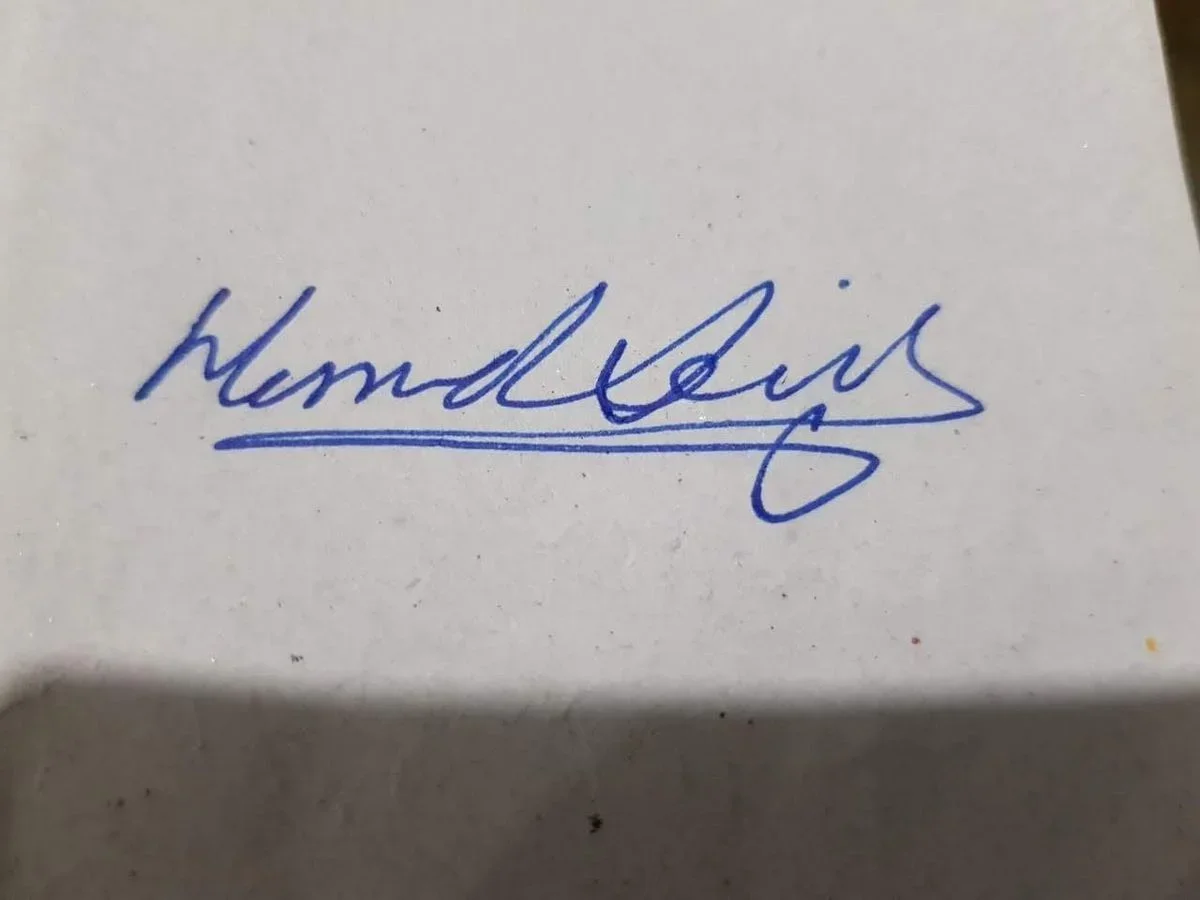
Original photo of Memd Signature Cursive
Memd cursive signature vector line drawing, connected script with extended underline flourish and closed oval loop tail.
View Memd Signature Cursive in the gallery

See it in action

Real conversions from PhotoCAD. Drag the slider to compare the original photo and the vector output.

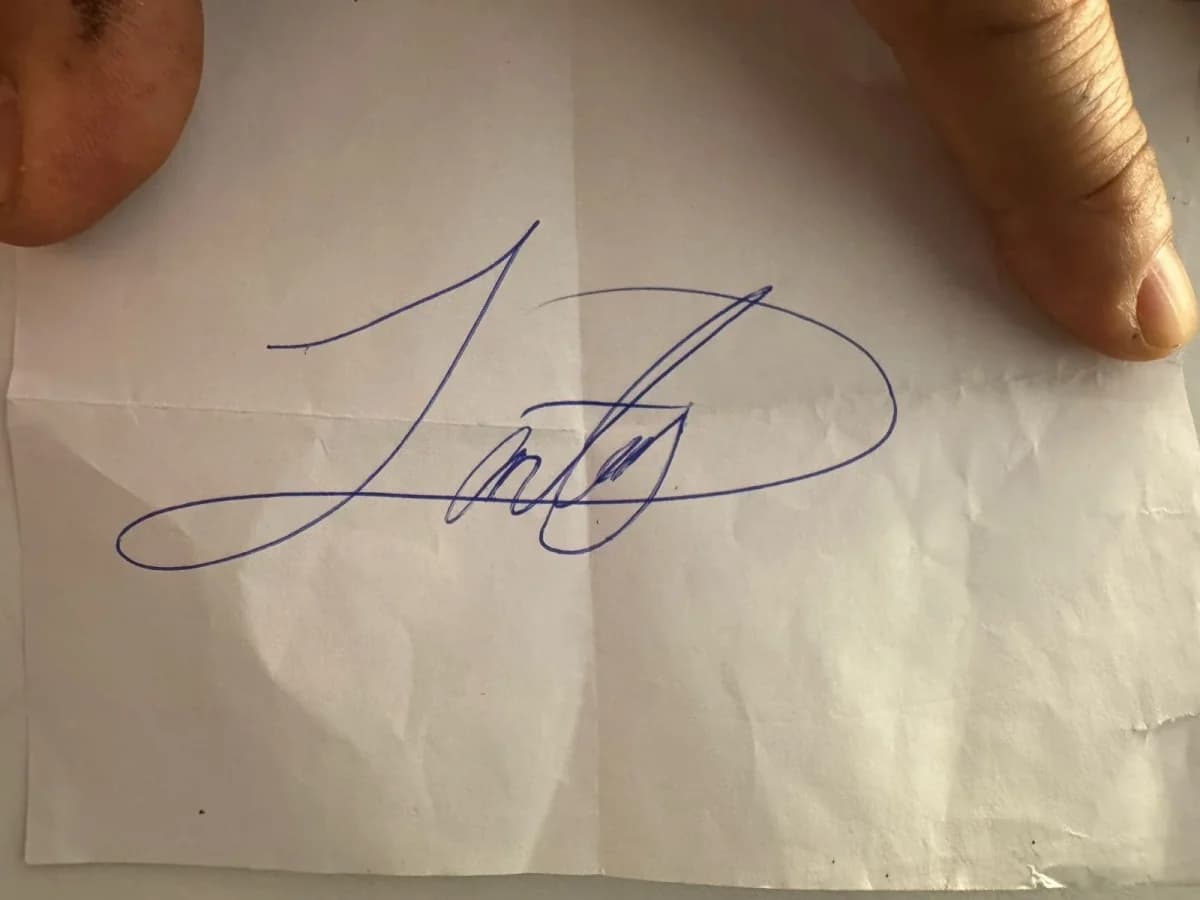
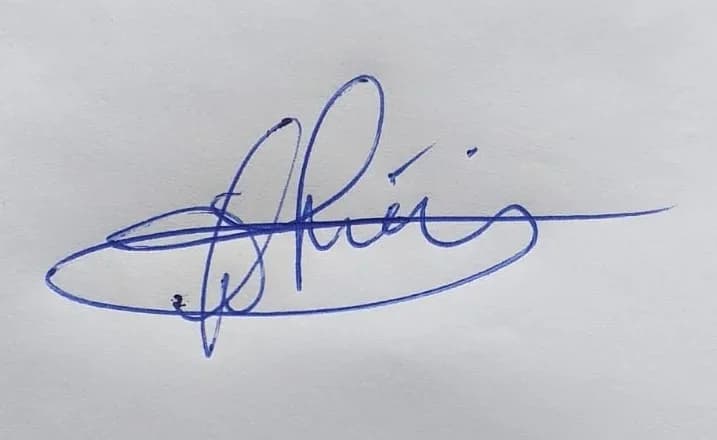
Original photo of Cursive Signature Calligraphy
Cursive signature calligraphy vector line drawing, sweeping ascenders, looping letterforms and large encircling flourish.
View Cursive Signature Calligraphy in the gallery
Original photo of Cursive Signature Calligraphy
Cursive signature calligraphy vector line drawing, tall ascending loop, encircling flourish and extended horizontal exit stroke.
View Cursive Signature Calligraphy in the gallery

How it works

1

Photograph or scan your signature

Sign your name on white paper. Photograph it with your phone, or scan it. Make sure the signature is the only thing in the frame.

2

Upload and convert

Drop the photo here. Our AI extracts your handwriting and converts it into a clean vector path.

3

Download the SVG

Get an editable SVG, DXF, or PDF. Use it for engraving, branding, signing PDFs, or anywhere you need a scalable signature.

Why use PhotoCAD

Smooth, natural strokes

The output preserves the character of your handwriting. We do not over-smooth — the signature looks like you wrote it.

Scalable to any size

The SVG scales from a business card to a building sign without losing definition. Same file, infinite resolution.

Ready for engraving

The DXF output loads straight into LightBurn, Glowforge, xTool, and every engraving machine. No cleanup needed.

Works from a phone photo

No scanner required. A phone photo on a desk under a lamp is more than enough — we correct for lighting and paper texture.

A handwritten signature usually only exists on paper. PhotoCAD converts a phone photo of your signature into a clean SVG in under two minutes. The output preserves stroke pressure, curvature, and the small irregularities of natural handwriting.

The SVG is the parent format for any downstream use. From SVG, you can save out DXF for engraving, PDF for documents, or PNG for the web — all stay sharp at any size because the source is vector. The signature is fully editable: open the SVG in any vector editor to adjust stroke thickness, scale, or color.

For best results, sign on a plain white sheet with a dark pen, photograph the page squarely under good light, and crop to the signature before uploading.

Original photo of Memd Signature Cursive
Memd cursive signature vector line drawing, connected script with extended underline flourish and closed oval loop tail.
View Memd Signature Cursive in the gallery

What you can do with it

Digital document signing

Drop a transparent SVG of your signature into PDF, Word, or Pages. Sign documents digitally without printing and rescanning.

Personalized engraving

Engrave your signature on knives, watches, jewelry, leather goods, or pens. The SVG works in every laser engraver and CNC machine.

Branding and merchandise

Designers and creators use their signature as a logo. The vector version scales cleanly across business cards, websites, products, and packaging.

Art prints and editions

Artists need their signature in vector form for high-quality print editions, plotter art, and digital reproduction.

Ready to try it?

Convert your signature to a scalable vector file in under two minutes.
Your first 3 conversions are free — no card required.

Open the converter

Frequently Asked Questions

Keep exploring

Categories

Logos & GraphicsPeople & PortraitsWildlifePatterns & OrnamentalAnimals & PetsSports & Recreation

Use cases

ArchitectureIndustrial DesignFashion DesignPatent Drawings

Converters

Image to DXFSketch to CADImage to CADLogo to VectorRaster to Vector
Trace Photo to Vector