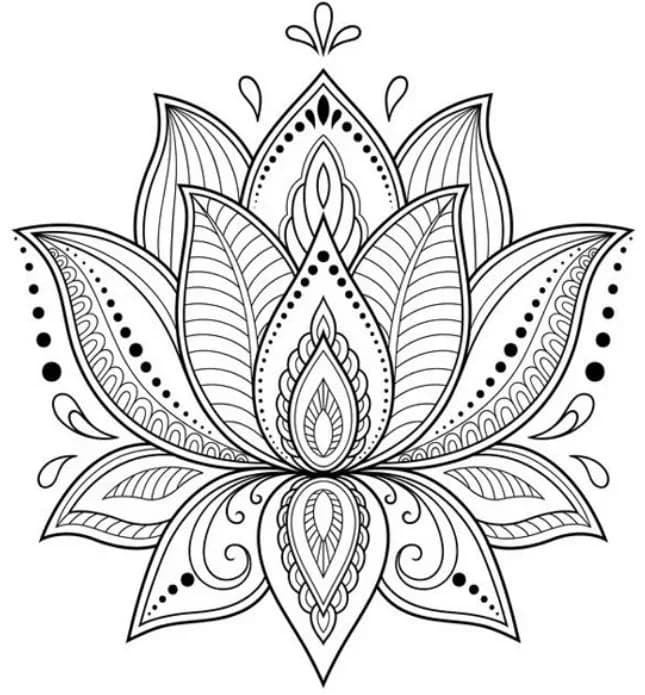

Convert photos, sketches, and customer logos into clean DXF and SVG for laser cutting. Drops into LightBurn, the Glowforge app, and xTool Creative Space — no more time spent on manual tracing.
Upload your reference photo, hand-drawn sketch, or customer logo.
PhotoCAD generates clean, continuous line art with minimal nodes — no manual cleanup required.
Export the DXF or SVG and drop it straight into LightBurn, the Glowforge app, or xTool Creative Space.
Real conversions from PhotoCAD — original photo on the left, vector output on the right.
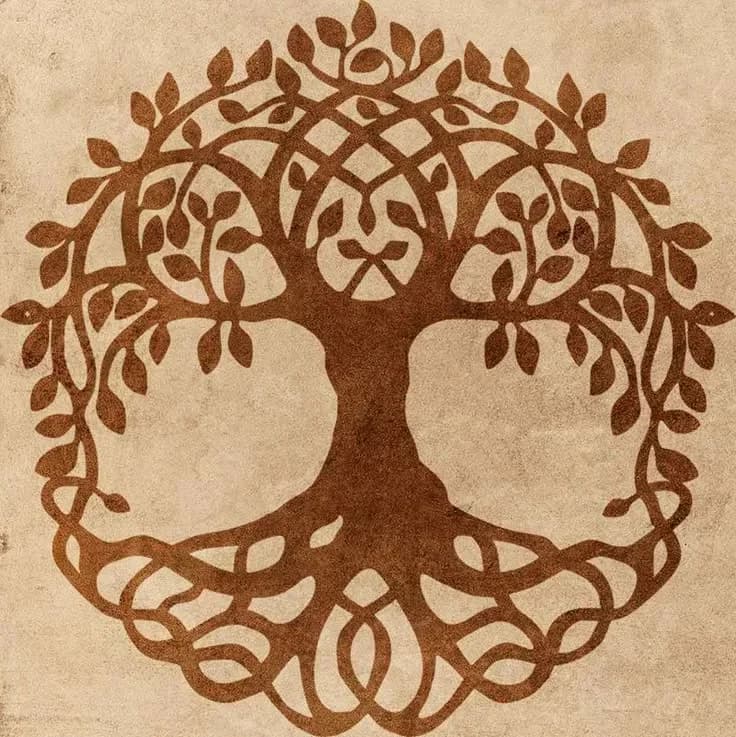

Celtic Tree of Life
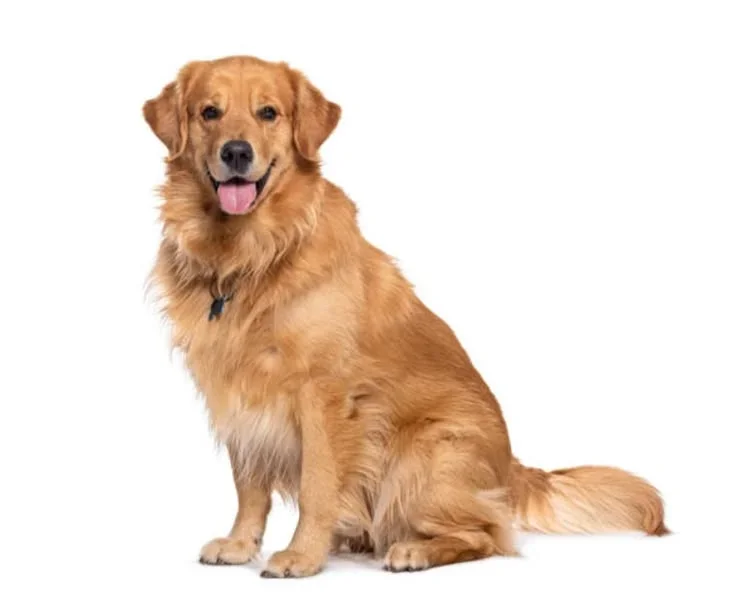

Golden Retriever Sitting Portrait
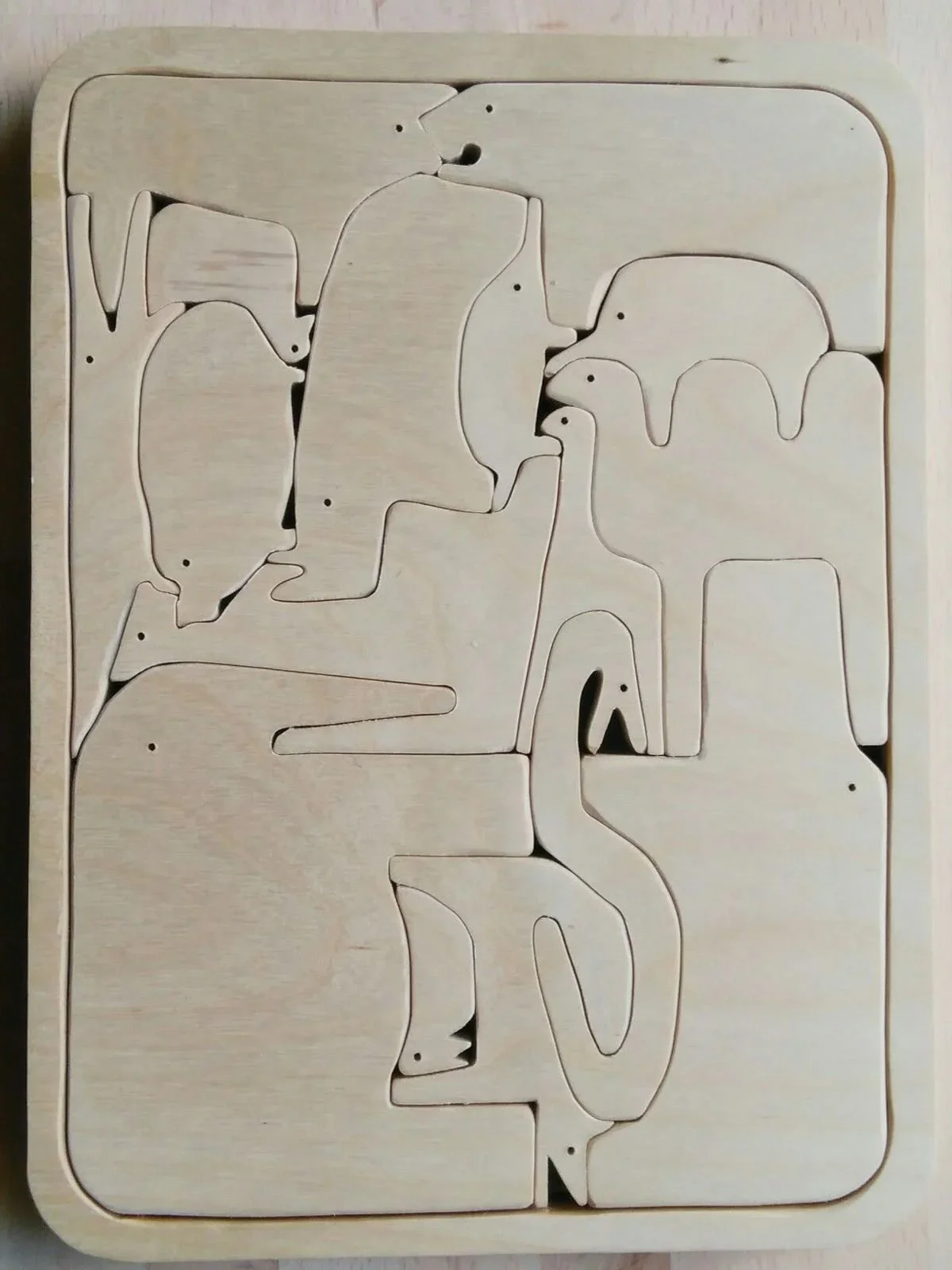

Arctic Animals Wooden Puzzle
Files import directly into LightBurn, the Glowforge app, xTool Creative Space, or LaserGRBL. Review, scale to your material, and cut as you would with any vector file — you've just skipped the hours of manual tracing or vectorizing.
Software
Machines
Laser cutting requires clean vector geometry. A jagged outline forces the laser head to stutter, leaving burnt edges and ruined material. Manually tracing a photo into LightBurn or Illustrator means clicking out every curve by hand — easily an hour per design before you've cut anything.
PhotoCAD interprets the design intent in your photograph and generates clean, continuous vector paths — not pixel approximations following contrast edges. Whether you're digitizing a hand-drawn sketch for a wood sign, converting a customer's pet photo into a layered acrylic ornament, or extracting a logo from a low-resolution image, output is production-ready DXF and SVG with minimal nodes and smooth curves.
Files drop straight into LightBurn, the Glowforge app, xTool Creative Space, or LaserGRBL. Load your material, set power, and cut as you normally would — minus the hour or two of clicking out the vector by hand beforehand.
Best for
Laser cutter owners, Etsy sellers, and fabrication shops converting customer photos, hand-drawn sketches, and logos into cut-ready vectors. Output works with LightBurn, the Glowforge app, xTool Creative Space, and LaserGRBL.
Upload any photo and get a clean vector file in about a minute. Your first 3 conversions are free.
Convert a Photo