PhotoCAD
Convert
ArchitectureIndustrial DesignFashion DesignPatent DrawingsDigital FabricationHeritage & ArchaeologyIllustration
GalleryAPIPricing
Log in
PhotoCAD

Convert photos to CAD-ready vector files. DXF and SVG for manufacturing, CNC and architectural drawings.

Product

  • Gallery
  • Projects
  • Pricing
  • Convert
  • API
  • How it works

Solutions

  • Architecture
  • Industrial Design
  • Fashion Design
  • Patent Drawings
  • Digital Fabrication
  • Heritage & Archaeology
  • Illustration
  • Laser Cutting
  • Vinyl Cutting
  • CNC Routing
  • Plasma & Metal Art

Converters

  • Image to DXF
  • Sketch to CAD
  • Image to CAD
  • Signature to Vector
  • Logo to Vector
  • Raster to Vector
  • Trace Photo to Vector

Company

  • About
  • Contact
  • Privacy Policy
  • Terms of Service
  • License
  • Trust & Security

© 2026 PhotoCAD. All rights reserved.

/PhotoCAD for Plasma & Metal Art

Convert Photos to DXF for Plasma Cutting & Metal Art

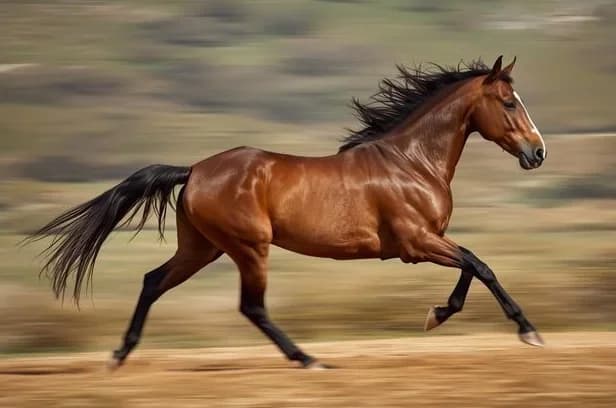
Original photo of Galloping Horse Side Profile
Galloping horse vector line drawing, outstretched legs, flowing mane and tail, full-stride side profile.

Convert client photos, sketches, and logos into clean DXF files for CNC plasma cutting. Drops into SheetCam, Fusion 360, and ProNest — no more time spent on manual tracing.

Start Drawing for Free
Original photo of Galloping Horse Side Profile
Galloping horse vector line drawing, outstretched legs, flowing mane and tail, full-stride side profile.
Start Drawing for Free

How it works

1

Upload

Upload a photo of metal art, a hand-drawn sketch, or a customer logo.

2

Convert

PhotoCAD generates smooth, continuous vector outlines with the minimal nodes plasma torches need for constant feed rate.

3

CAM

Import the DXF into SheetCam, Fusion 360, or ProNest. Add lead-ins, lead-outs, and bridges, then start cutting.

See the results

Real conversions from PhotoCAD — original photo on the left, vector output on the right.
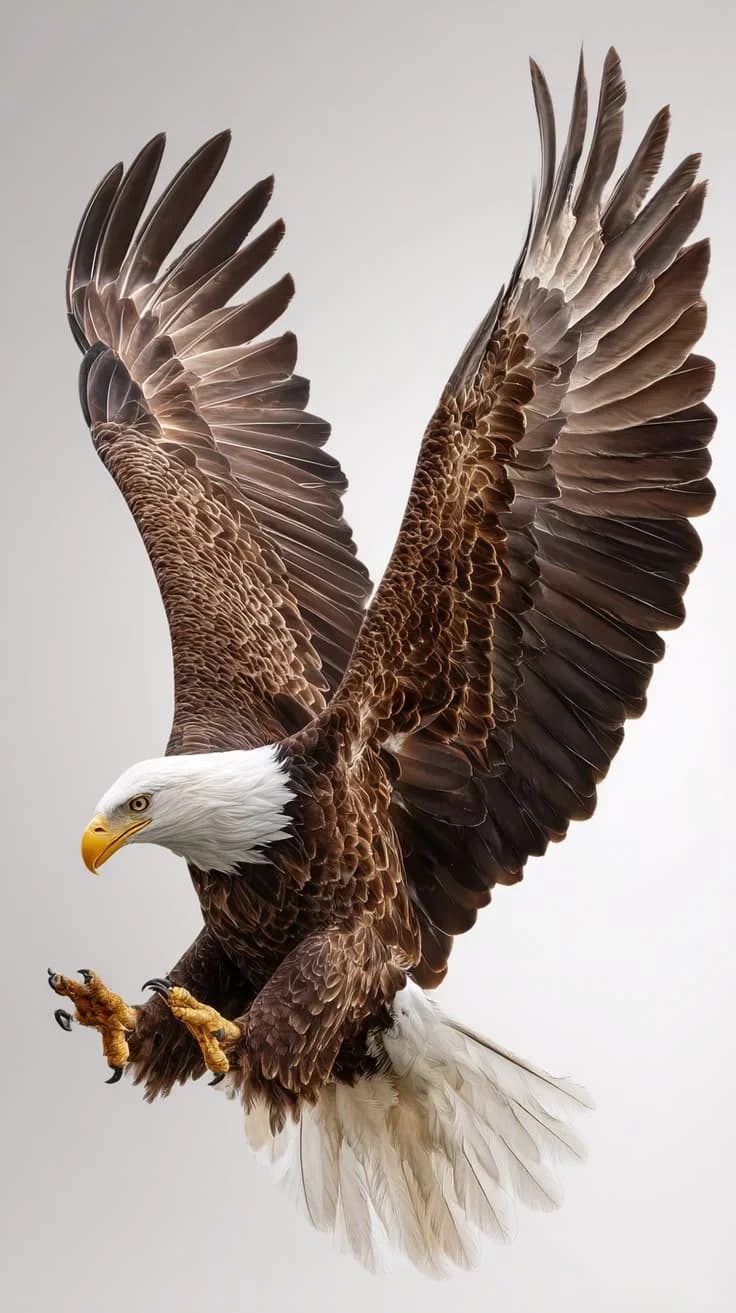
Original photo of Bald Eagle in Flight
Bald eagle in flight vector line drawing, wings fully extended, layered primary feathers, hooked beak and outstretched talons.

Bald Eagle in Flight

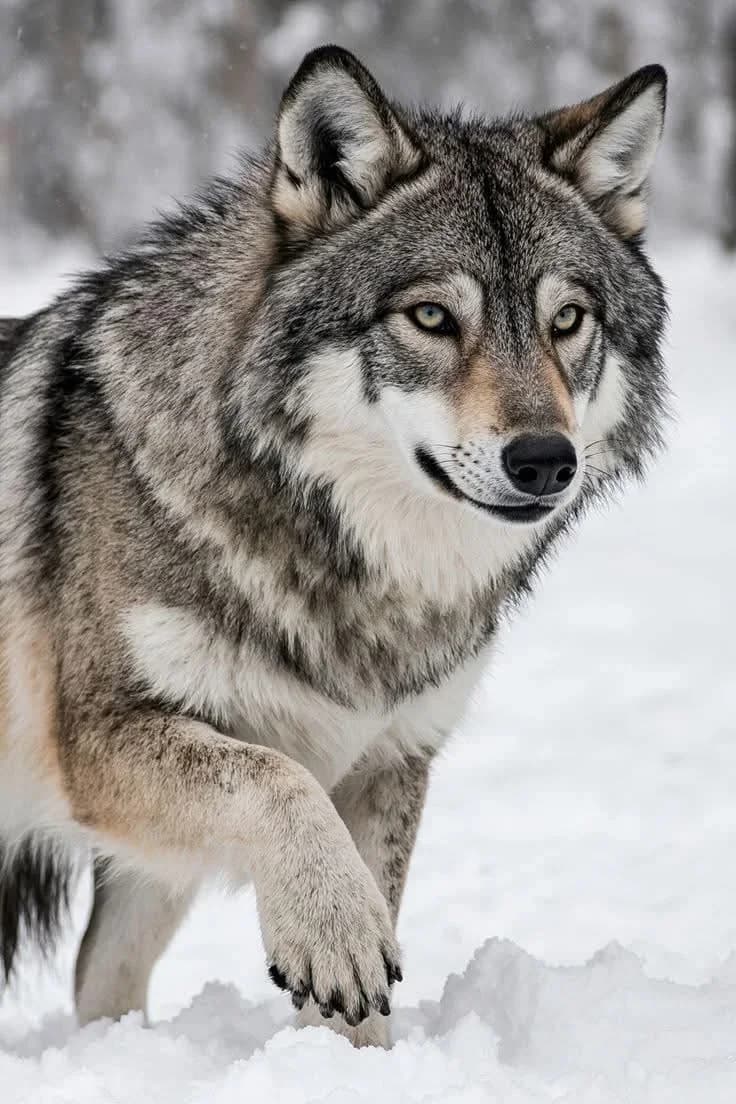
Original photo of Gray Wolf in Snow
Gray wolf vector line drawing, foreleg raised with detailed paw and claws, dense neck ruff and alert ears.

Gray Wolf in Snow

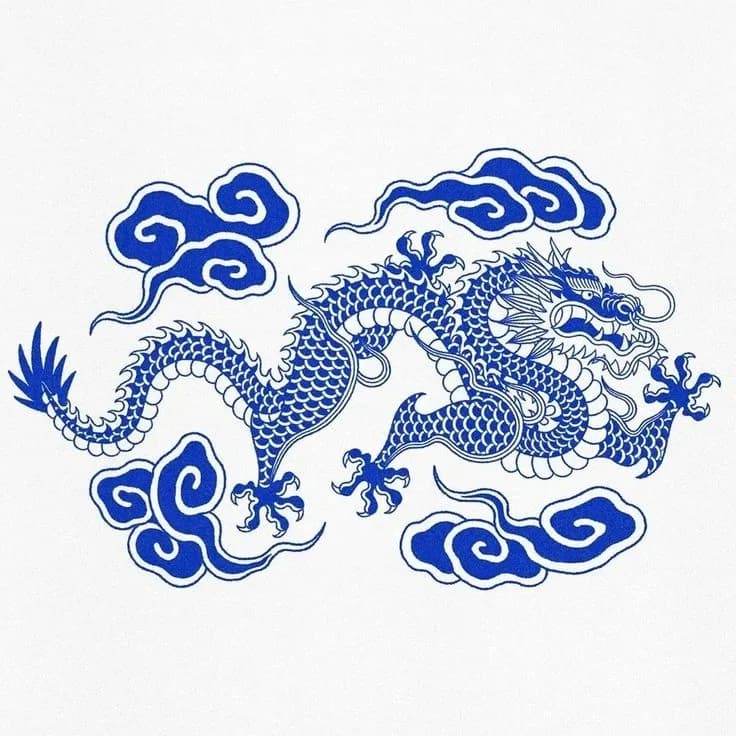
Original photo of Chinese Dragon with Auspicious Clouds
Chinese dragon vector line drawing, serpentine scaled body with clawed feet and stylized auspicious cloud formations surrounding the figure.

Chinese Dragon with Auspicious Clouds

Works with your tools

Files import directly into SheetCam, Fusion 360, ProNest, or your CAM software. Add standard plasma prep — lead-ins, lead-outs, bridges to prevent part drop-out, and kerf compensation — then cut. Your normal CAM workflow, just without the hours of manual vectorizing upfront.

Software

  • SheetCam
  • Fusion 360
  • ProNest
  • AutoCAD
  • Inkscape

Machines

  • Hypertherm
  • Torchmate

Plasma cutting is unforgiving of poor vector geometry. A jagged outline forces the torch to hesitate at every node, leaving excess dross, blown-out corners, and wasted steel. Hand-tracing a customer photo or sketch in AutoCAD or Inkscape takes hours per design — and the cost of a botched cut on 1/4″ plate adds up fast.

PhotoCAD interprets your customer's photo or sketch and reconstructs it as clean, continuous vector geometry — not pixel-following traces that stall your torch. Whether you're building custom fire pits, intricate metal wall art, or automotive brackets, output is DXF with smooth arcs and minimal nodes that keep the torch moving at a constant feed rate.

Drop the DXF into SheetCam, Fusion 360, or ProNest as the starting point for plasma CAM. Add lead-ins, lead-outs, bridges to prevent internal drop-out, and kerf compensation for your torch height and material. Skip the hours of manual vectorizing and turn customer requests into cut metal — more designs in the queue, less time at the keyboard.

Best for

Metal fabrication shops, sign makers, small workshops, CNC plasma owners, and metal artists converting customer photos, hand-drawn sketches, and logos into cut-ready DXF. Output works with SheetCam, Fusion 360, ProNest, and AutoCAD.

Ready to try it?

Upload any photo and get a clean vector file in under two minutes. Your first 3 conversions are free.

Convert a Photo

Frequently Asked Questions

  • Arclight Dynamics
  • Plasmacam
  • Langmuir Systems
  • Keep exploring

    Categories

    WildlifePatterns & OrnamentalAnimals & PetsSports & RecreationMarine & NauticalArchitecture & Buildings

    Projects

    Tattoo StencilsWall Art

    Converters

    Logo to VectorRaster to VectorTrace Photo to Vector