
Convert photos, sketches, and reference images into clean DXF and SVG for CNC routing — ready to drop into VCarve Pro, Fusion 360, Easel, or Carbide Create. No more time spent on manual tracing.
Photograph the template, sketch, or part you want to machine on a plain background.
PhotoCAD generates clean, continuous vector geometry from your image.
Import the DXF or SVG into VCarve, Fusion 360, or Easel. Add bit clearance, dog-bones for inside corners, then generate toolpaths.
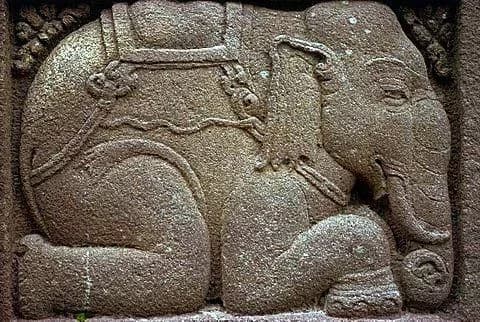
Real conversions from PhotoCAD — original photo on the left, vector output on the right.
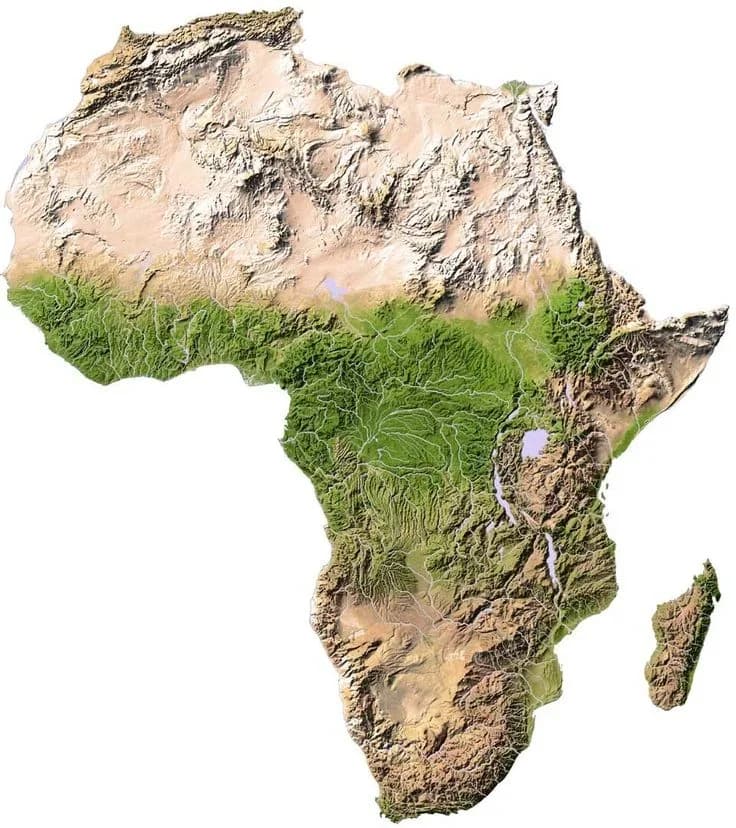

Africa Continent Relief Map
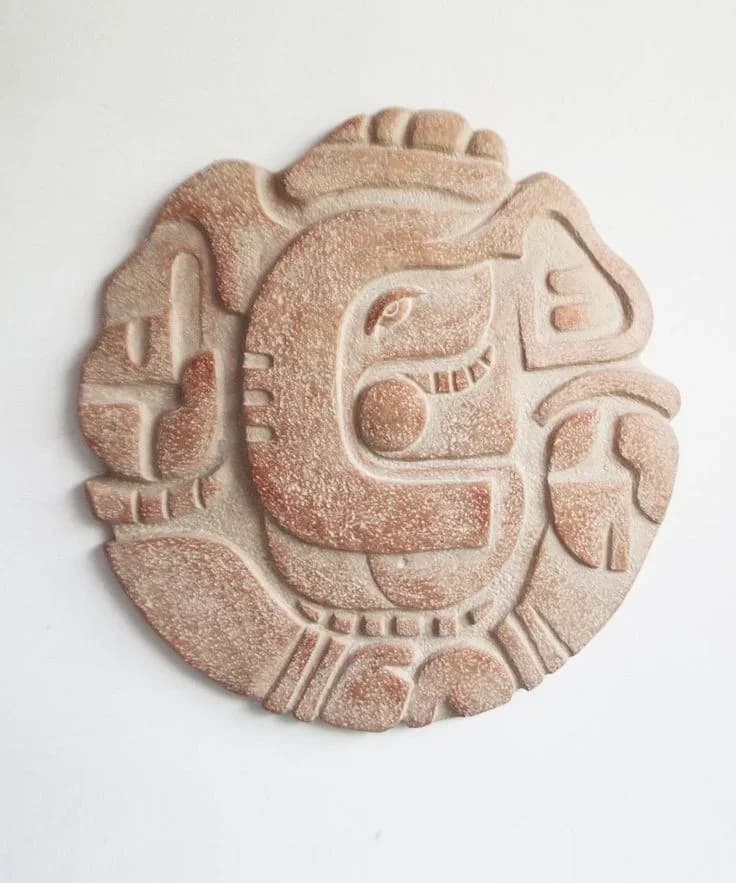

Mesoamerican Glyph Relief Medallion
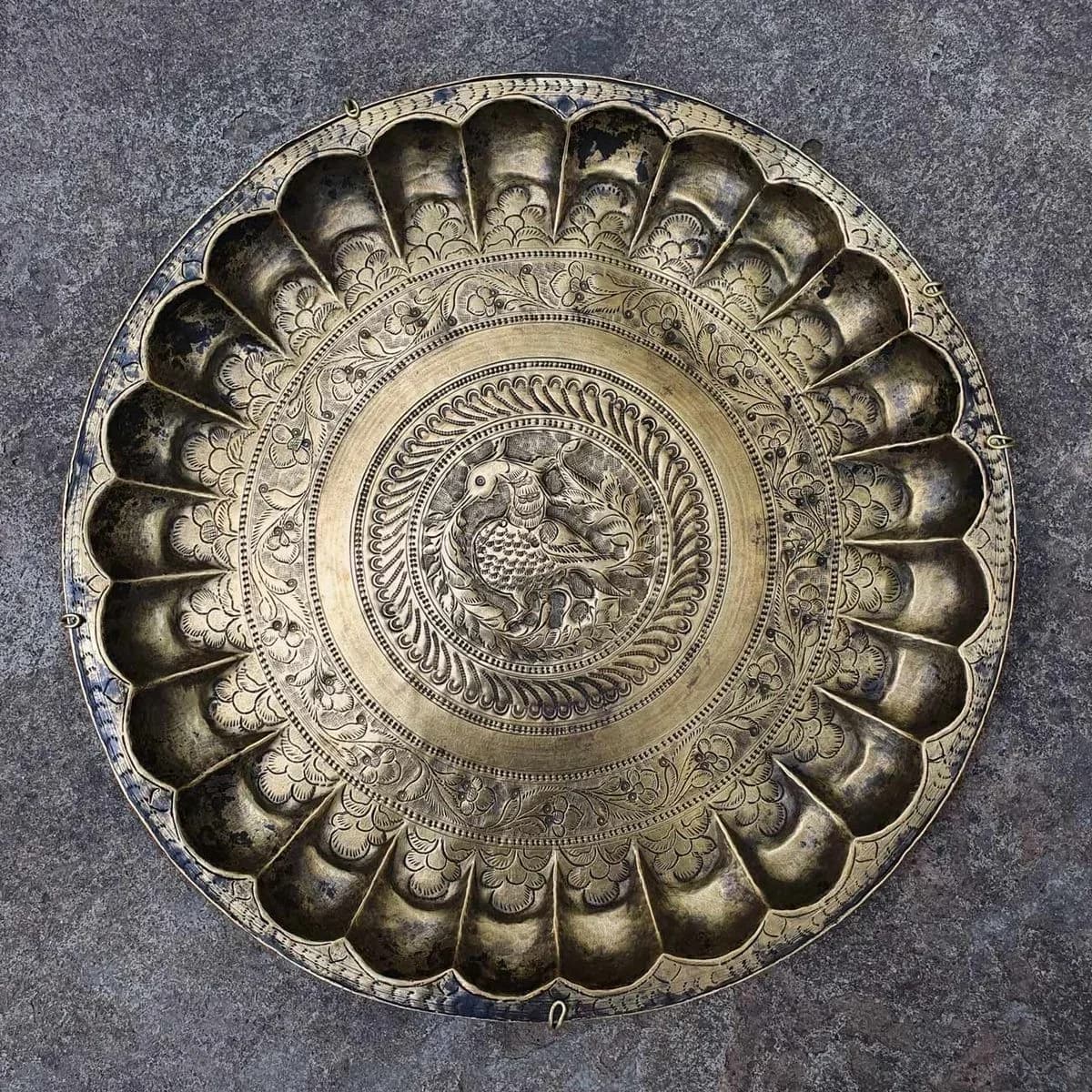

Antique Brass Engraved Charger Plate
Files import directly into VCarve Pro, Fusion 360, Easel, Carbide Create, or Aspire. Review the geometry, add corner radiusing for router bit clearance, dog-bones for inside corners, and tabs — your normal CAM prep, just without the hours of manual vectorizing upfront.
Software
Machines
CNC routing needs precise, continuous vector geometry to generate efficient toolpaths. A jagged outline forces the spindle to slow at every node, leaving rough edges and wasting time. Hand-tracing a photo or sketch in VCarve Pro or Fusion 360 means clicking out every curve — easily 30–60 minutes per design before a toolpath is generated.
PhotoCAD interprets your reference photo and reconstructs it as clean, continuous vector geometry — not pixel-following traces. Whether you're digitizing a hand-drawn template, converting a customer logo for custom signage, or recreating a vintage hardware profile from a single photograph, output is DXF and SVG with smooth arcs and joined polylines ready for CAM.
Drop the geometry into VCarve Pro, Fusion 360, Easel, Carbide Create, or Aspire as an excellent foundation for V-carving, pocketing, and profile cuts. Add dog-bone fillets at inside corners for your router bit diameter, generate toolpaths, and machine. Skip the hours of manual vectorizing and get straight to cutting wood, plastics, or composites.
Best for
Fabrication shops, sign makers, woodworkers, and CNC hobbyists converting reference photos, hand-drawn templates, and client images into routable vector geometry. Output works with VCarve Pro, Fusion 360, Easel, Carbide Create, and Aspire.
Upload any photo and get a clean vector file in about a minute. Your first 3 conversions are free.
Convert a Photo